A name off a trade-show badge isn’t a customer, and dropping it into your customer list makes every report that counts customers wrong.
So leads live somewhere else until they’re worth something. They get captured wherever they arrive, worked until they qualify, and only then turned into a real account with a deal attached.
What you can do
- Keep leads out of your customer list until they convert, so customer counts stay true.
- Capture them straight from your own website, with a form you paste in and no login involved.
- Let newsletter signups become leads on their own, with nobody retyping anything.
- Rely on one lead per person, however they arrived. Second arrivals merge instead of duplicating.
- Convert a qualified lead into a customer, a contact and an opportunity in one step.
- Work deals on a board of stages you define, each with its own win probability.
- Start a deal from a quote you already sent, and keep the two in step.
- Forecast by month on three figures, because one is never enough to run a sales meeting on.
- Compare the forecast with a past week and see which months moved.
- Follow up automatically when a lead arrives or a deal stalls.
- Record why you lost, from your own list of reasons.
How it works in practice
Work the inbox (CRM → Sales pipeline → Leads). A lead is a name, a company, an email, a phone number and where it came from. Give it your own score, move it through new → working → qualified, and let the list open on the ones still in play. It’s a work queue, not an archive.
Let your website fill it (Leads → Web-to-lead form). You get a ready-made block of HTML to paste onto your own site, and submissions arrive as leads marked as coming from the web. The form carries a hidden field that real people never fill in, so the obvious robots get a polite answer and nothing gets written. If the snippet ever leaks you can regenerate the token, though the forms you’ve already pasted will need updating - that’s the trade for being able to invalidate it at all.
Anyone joining your mailing list arrives here too, unless they’re already a customer. Somebody you sell to signing up for the newsletter is a subscription, not a sales lead, and treating it as one is how a pipeline fills up with people who already bought.
One person, one lead. Web form, mailing list, or somebody typing them in: the same email address lands on the same lead. A second arrival fills in the blanks and notes how else they reached you.
Convert when they’re real, and it only happens once. Converting creates the customer account and the contact, carries the source across so “where did this customer come from?” survives, and opens the deal on the first stage of your chosen pipeline at that stage’s probability. If an account already uses that email address it gets linked rather than duplicated, and the screen says so, because clicking Convert and silently getting an existing customer back is how duplicates breed.
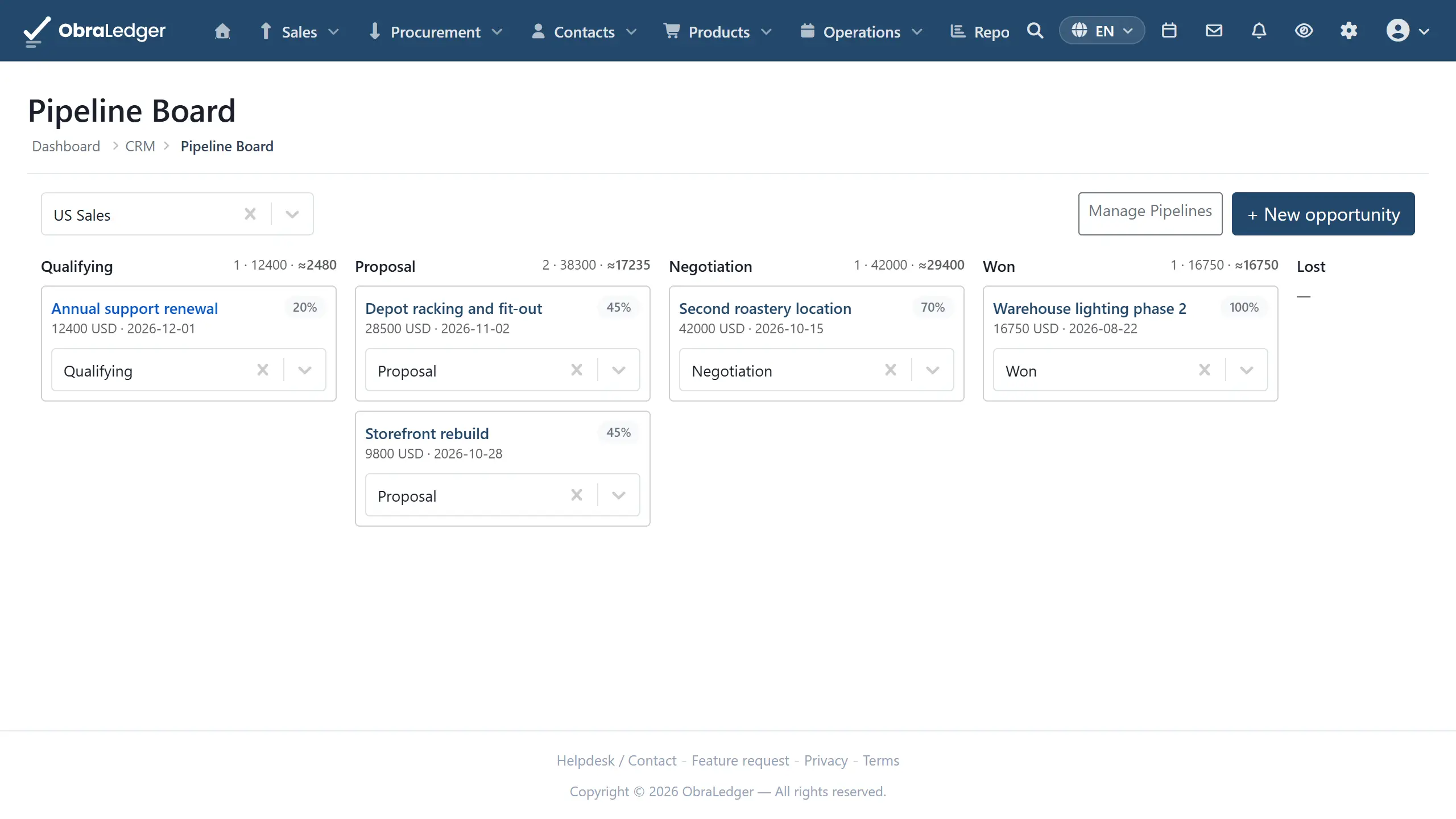
Build the board to match how you actually sell (Settings → CRM → Sales Pipelines). Add ordered stages, give each a win probability, and mark which ones mean won and lost. Run more than one pipeline if you sell in genuinely different ways.
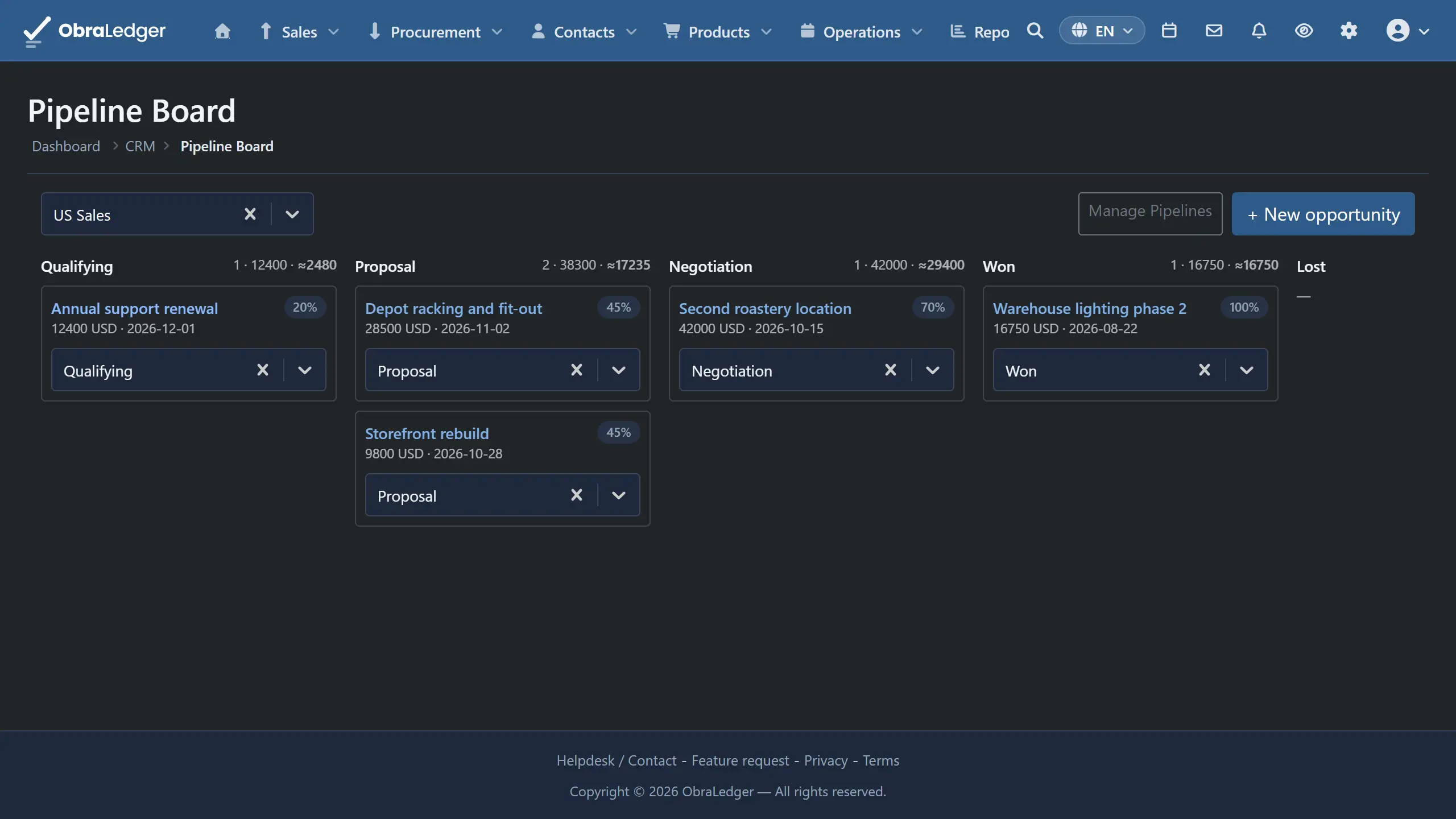
Move deals along (CRM → Sales pipeline → Opportunities). Cards sit in stage columns with a count and a total per column. Moving a card records the change, updates the deal’s probability from its new stage, and closes it automatically if that stage is a won or lost one. Open a card to see how long it sat at each stage.
Start from the quote when there is one. One click on a quote creates a linked deal, prefilled with the customer, the amount and the quote’s expiry as the expected close date. After that, saving the quote follows its amount onto the deal, and converting the quote into an order or an invoice marks the deal won. The quote shows a chip with the current stage, so you can get to the deal from the document.
Forecast on three numbers (CRM → Sales pipeline → Forecast). Open deals grouped by the month they should close: weighted (amount times probability, the realistic figure and the one that moves when deals advance), committed (everything at 90% or above, what a rep will stand behind) and best case (every open deal at full value). Deals you’ve already won are shown separately and never folded in, because a quarter reading “weighted 40k” when 35k is already banked tells you nothing about what’s left to sell. A chart above the table shows the three side by side, month by month.
See what moved since last week. The forecast is saved every Monday. Pick a date in Compare with and each month gains what it was expected to bring then, and how far it has moved since. A month the old forecast didn’t have reads new.
Stop relying on memory for follow-ups (CRM → Activities → Workflows). A workflow is a trigger, the conditions that must hold, and steps timed from the start: on the day, after 7 days, after 14 days. A new lead gets a task for its owner on the day; a deal that hasn’t moved in 14 days gets a nudge. New workflow opens ready-made ones to adjust, and a workflow stops by itself once the deal closes or the lead converts. Workflows and reminders has the detail.
Good to know
- You’ll need the CRM Pipeline extension switched on (Settings → Extensions), and its permissions start at deny, so somebody has to be given pipeline access on purpose.
- The score is a number you type. Nothing calculates it. It’s there so you can sort the inbox by your own judgment, not because anything is reading behavior behind the scenes.
- Comparisons are per pipeline, not per salesperson. Filter the forecast to one rep and Compare with isn’t offered.
- Workflows don’t branch. No “wait until they reply”, no SMS. They’re for the follow-ups a team forgets, not a marketing-automation builder. A change one workflow makes never starts another.
- Deals with no expected close date get their own line below the months, rather than being dropped or guessed into one. Leaving them out would make the total quietly smaller than the pipeline.
- A deal has an amount, not line items. The detail belongs on the quote, and the link between the two is what stops them disagreeing.
- HubSpot and Salesforce leads arrive as leads. HubSpot reads the lifecycle stage on its own record; Salesforce brings every open Lead record, and one whose email matches a contact you’ve imported counts as a known person rather than a new lead. Both come in through the same door as your web form and mailing signups.