Find the code. See the rate.
Search the HSN and SAC directory, goods and services in one list, by code or by what you sell. Each code shows the GST rate it carries today, and where the law gives it more than one, you see them all with what separates them.
No account. No card.
What you can do
- Search goods and services together, by code or by description
- See the GST rate a code carries today
- Every rate listed when a code has several, with the words that tell them apart - never one picked for you
- Open the GST calculator from any rate, with that rate filled in
- The same answer the HSN field gives on a product in ObraLedger
How it works
-
01
Code the product once
In ObraLedger the HSN field on a product searches the same directory and shows the rate the law puts on the code you chose. Rice shows two answers, nil loose and 5% pre-packaged and labeled, because the code alone can't say which you sell.
-
02
The code travels with the line
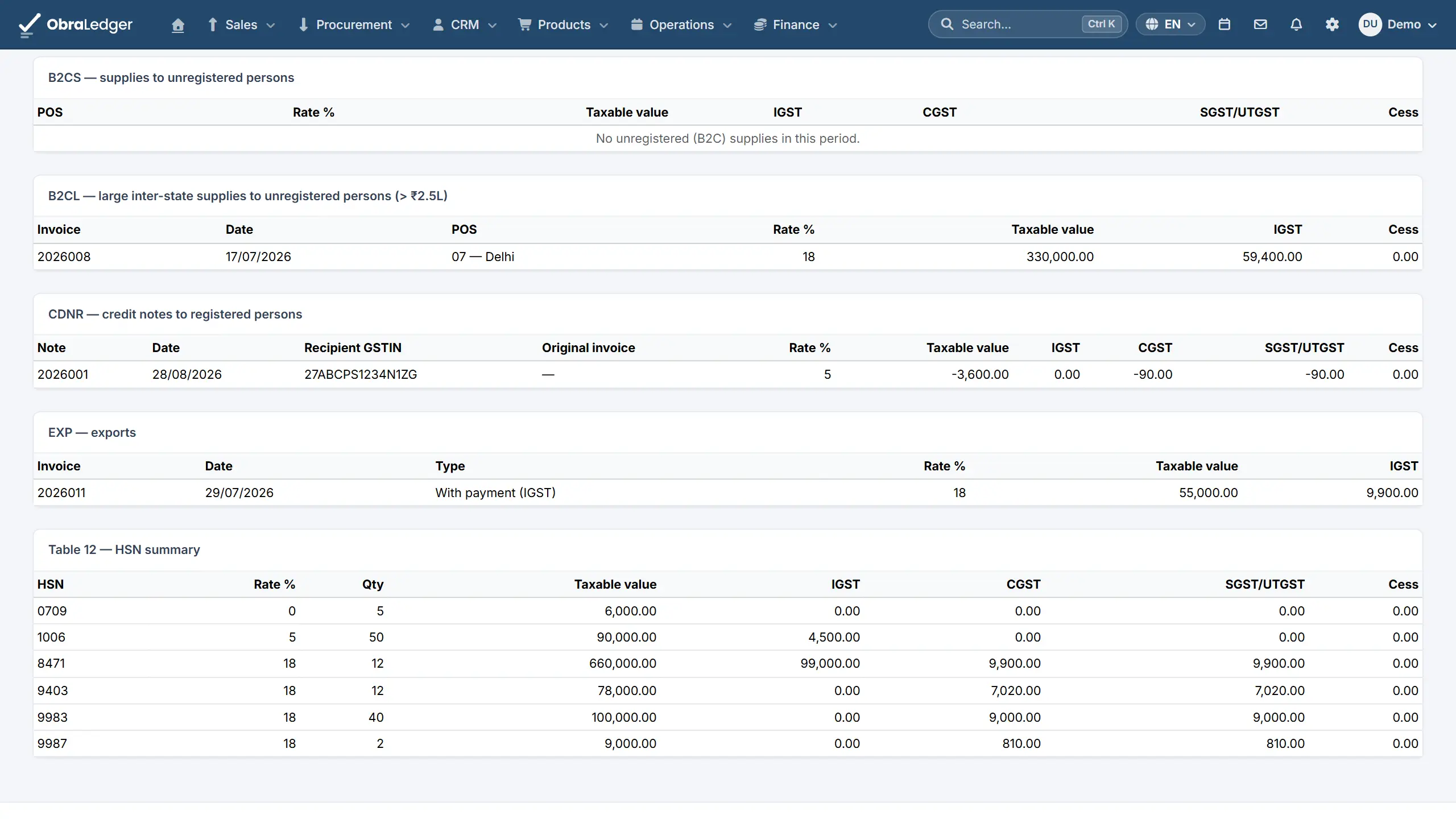
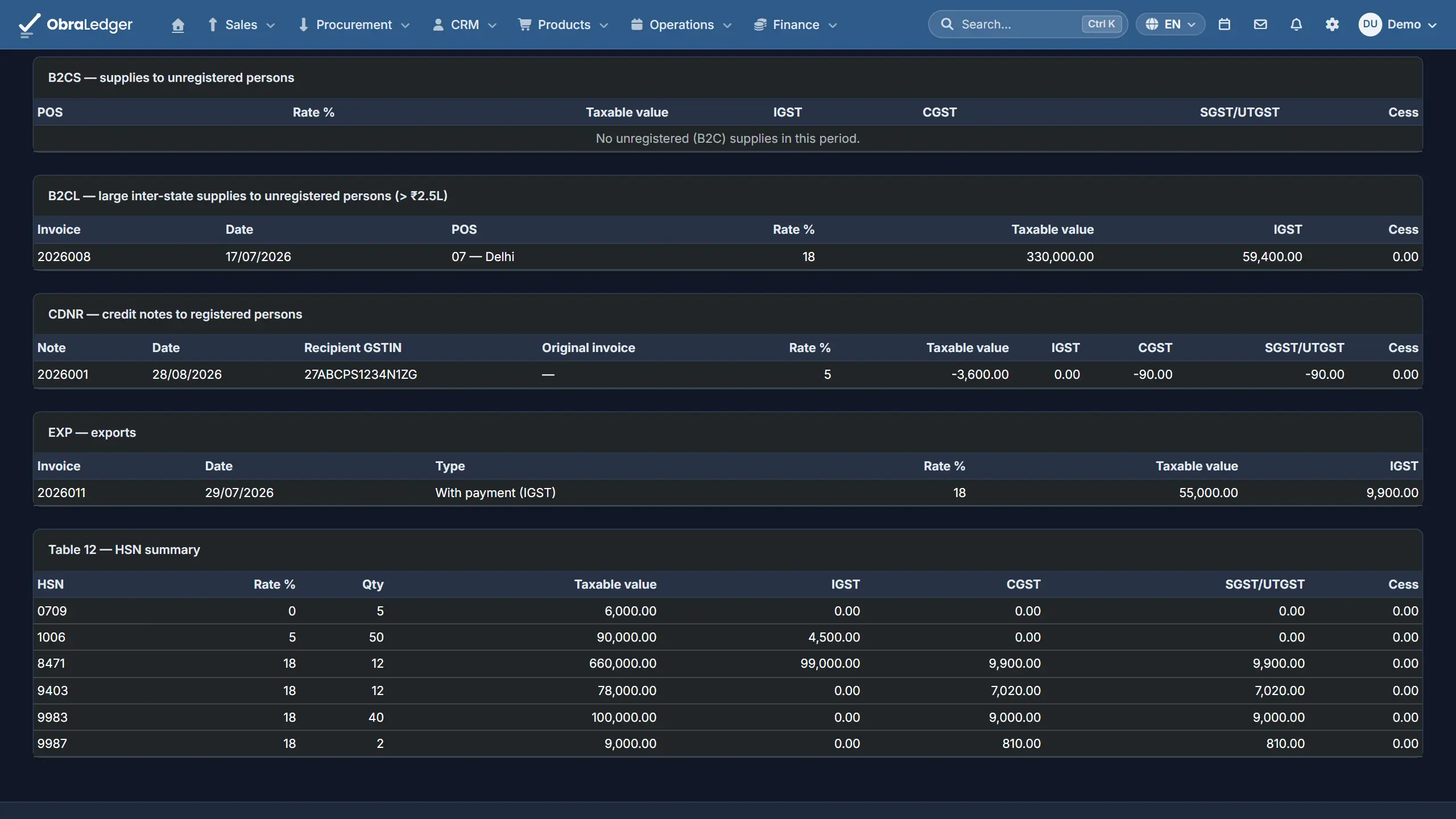
Raise an invoice and the HSN is copied onto the line, so changing the product later doesn't rewrite an invoice you've already issued. GSTR-1's HSN summary comes from those lines.
-
03
Bad codes get caught
Codes the GST portal doesn't accept are swapped for its own equivalent automatically, and the one that needs your choice gets a warning on GSTR-1 until you've made it.
Good to know - Rates come from the government's notifications, so a rate is only as current as the last one we've checked. Which rate fits what you sell stays your call.
Quick answers
- What's the difference between HSN and SAC?
- HSN codes classify goods and SAC codes classify services. The finder searches both in one list, so you don't need to know which one you're after first.
- Why does one code show more than one rate?
- Because the law sometimes sets different rates for the same code, depending on something the code can't say. The finder lists each with what separates them rather than guessing.
- Is it free?
- Yes. Search as often as you like, with no account. If you'd like the codes kept on your products and printed on your invoices, there's a free plan with 5 documents a month and no card to start.
Read the manual first
Our user guide is public, so you can read how this works before you sign up.
Other free tools
No account, no card, and a real PDF at the end.
Your whole business. Live this afternoon.
Swap the invoicing app, the stock spreadsheet and the month-end reconciling for one login.