ObraLedger

Type to search.

Invoicing, stock and projects, with the books underneath

Run the sales, hold the stock, track the work and bill for it - and the accounting is written as you go, by the same system, from the same figures. Everything here is in the product today, and where a part needs another switched on first, the card says so.

One invoice, all the way through

Between sending a bill and knowing where you stand, there is nothing to export, re-key or reconcile.

  1. 01

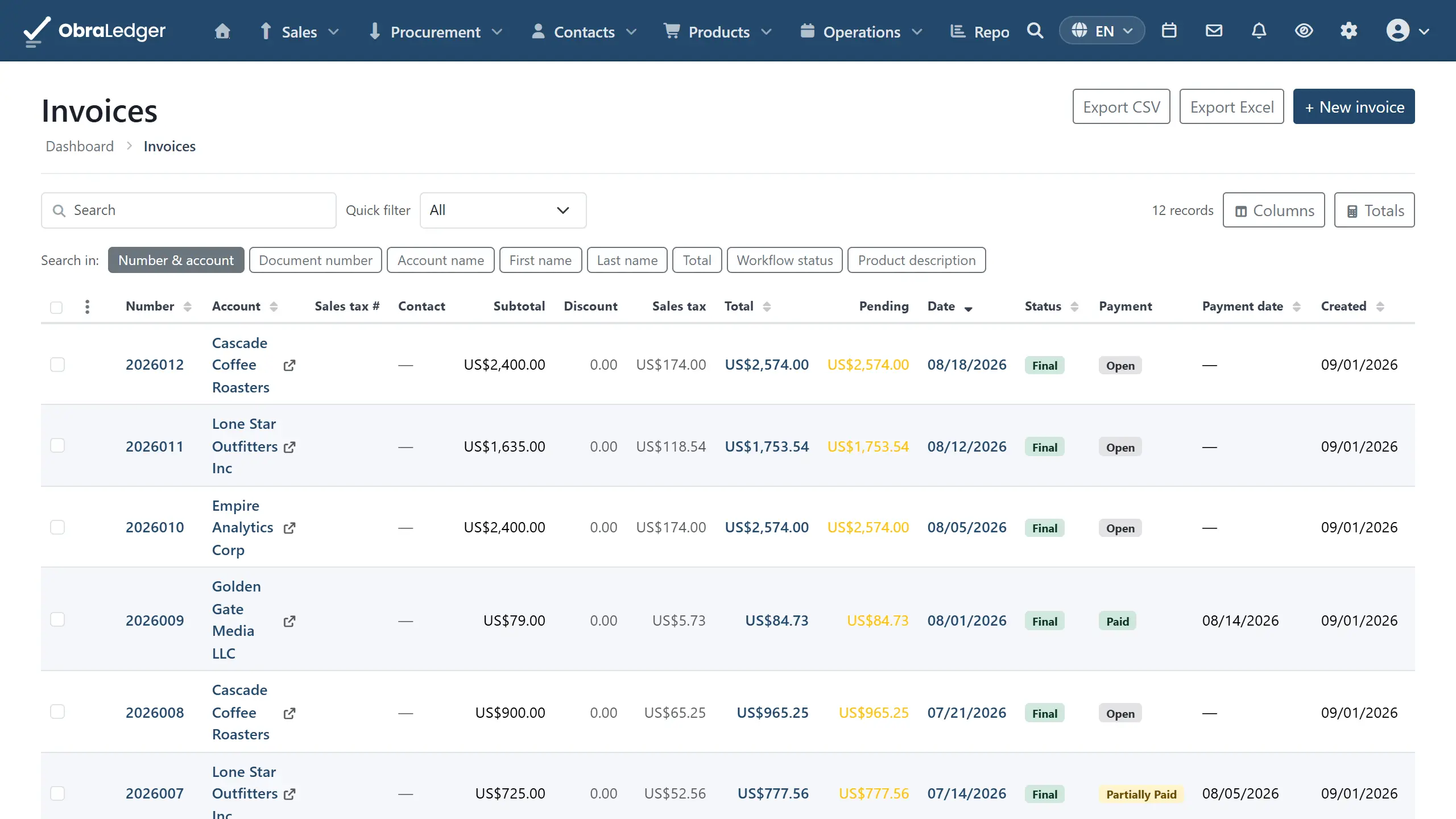
    You raise the invoice

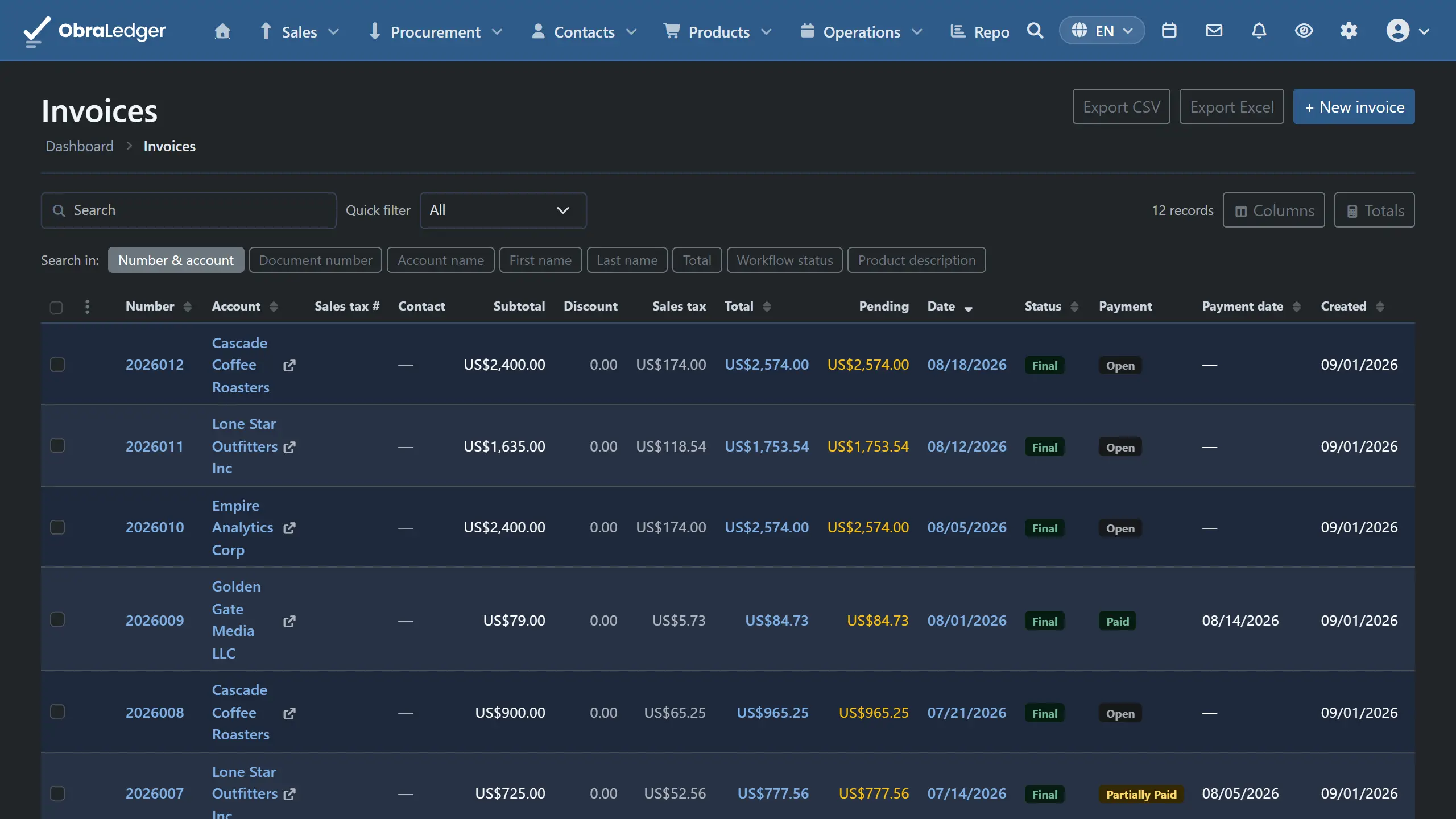
    Quote, order confirmation, invoice or credit note - carrying the lines and prices across rather than making you retype them. Your own layout, sent under an email template you designed.

    How this works →

  2. 02

    The books are already written

    Finalizing posts the journal. The customer's balance moves, the sales tax lands in the box it belongs in on your return, and nothing waits for a month-end catch-up. You never open this screen to make it happen.

    How this works →

  3. 03

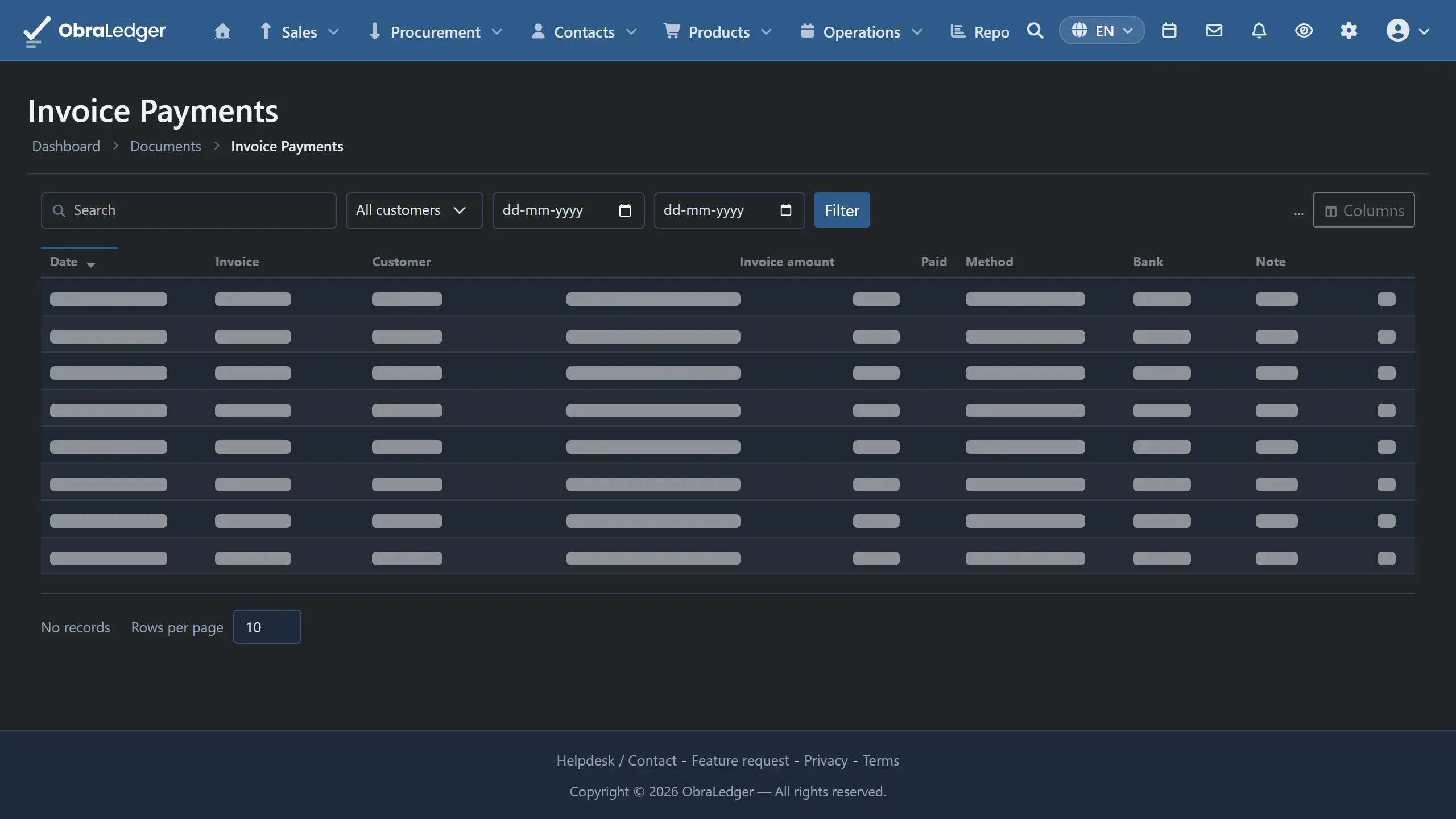
    The payment settles it

    Money is allocated against the documents it pays, so a paid figure is worked out rather than ticked. One payment can settle several invoices, and what you have not applied yet stays visible.

    How this works →

  4. 04

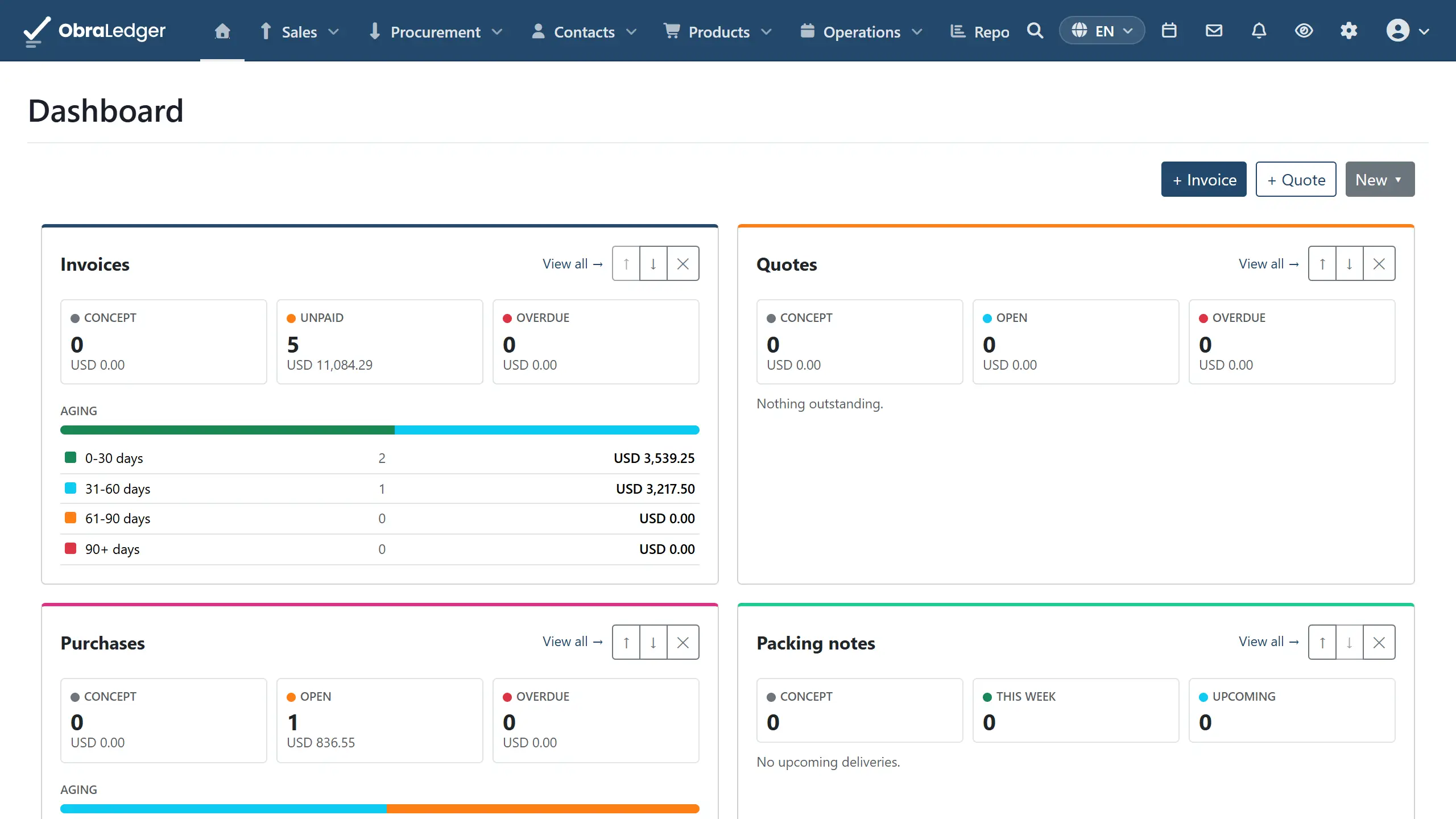
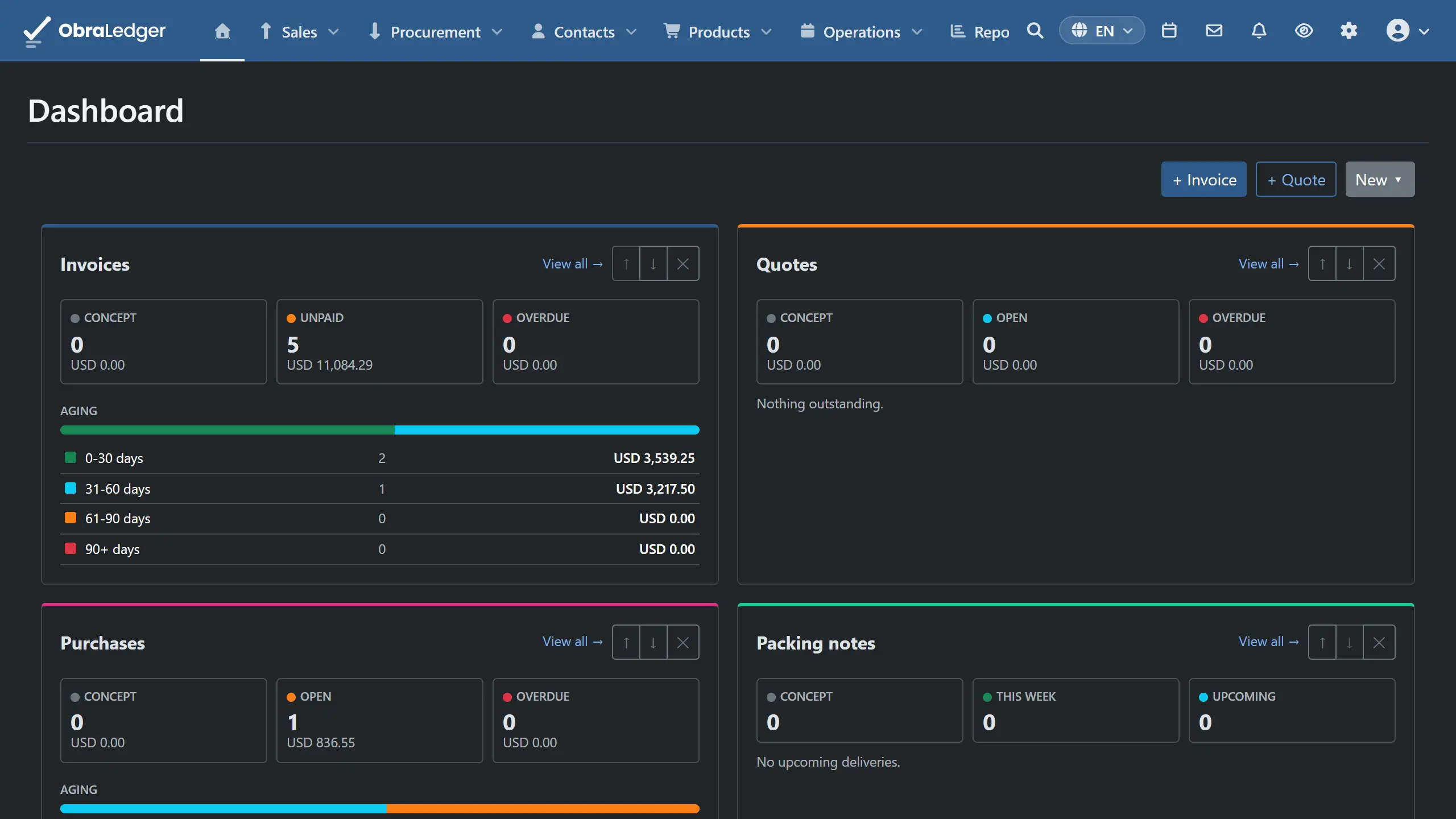
    And the numbers are current

    What is owed, what is overdue, what is expected in the next month - read from the same journals your documents just wrote, so there is no second set of figures to reconcile against.

    How this works →

Stock, projects, people and payroll work the same way, and stay switched off until you need them.

Sales and documents

Everything between a customer asking what it costs and the money arriving.

Quotes, invoices and credit notes

Raise a quote, turn the accepted one into an order or an invoice without retyping a line, and fix mistakes the way an auditor expects.

  • Quote → order confirmation → invoice, carrying lines and prices across
  • Credit notes, so the original document stays intact
  • Your own layout, in your customer’s language, as PDF or e-invoice
  • Recurring invoices that raise and send themselves on your schedule
  • Payment reminders on a schedule you set, sent on their own or held for your OK
  • Purchase documents from suppliers on the same footing as your sales

Good to know - Finalizing only goes one way. An invoice you can still edit isn’t really an invoice, so corrections are credit notes, and that is what keeps your numbering sequential and defensible.

Read the guide page →

Customers and suppliers

One record per company, holding every address, contact, agreed price and document you’ve exchanged.

  • One record can be a customer, a supplier, or both
  • As many addresses as a company has - billing, delivery, sites
  • The people behind the company: role, reporting line, how to reach them
  • Defaults that apply themselves - payment terms, price list, currency, language, tax treatment
  • Agreed prices, so a contract customer is never quoted list price
  • The full timeline of what you have exchanged, in one place

Read the guide page →

Product catalog

The catalog underneath both invoicing and stock, priced and categorized once instead of retyped.

  • Categories inside categories, product groups and catalogs
  • Price lists per customer, currency or agreement
  • Units, tax codes, ledger accounts and suppliers set per product
  • Multi-language names and descriptions for documents and the portal
  • Images and attachments on the product record
  • Automatic or manual product numbering from your own sequence

Read the guide page →

Getting paid

Payments recorded against the documents they settle, allocated properly rather than ticked as “paid”.

  • One payment split across several invoices, or a part payment against one
  • Money you have not matched to an invoice yet stays visible, instead of disappearing into a rounding difference
  • Payments matched automatically when you import your bank statement
  • Payment links on invoices, through your own PayPal, Mollie or UPI account
  • Every payment records how long it took to arrive, so how slowly you get paid is measured rather than guessed at
  • Pay suppliers with a printed check, or an ACH file your bank’s portal takes

Good to know - What an invoice has been paid is always worked out from the money pointed at it, never kept as a separate note, so the invoice list and the books can’t disagree.

Read the guide page →

Accounting and reporting

The books underneath it all, written as you work rather than caught up at quarter end.

Double-entry bookkeeping

Real double-entry accounting that posts itself from the documents you were raising anyway.

  • A standard chart of accounts for your country, or your own
  • Journals posted automatically from invoices, purchases, payments and stock movements
  • Bank statement import, including the .qfx, .qbo or .ofx file your US bank offers, matched against outstanding invoices
  • Manual journals for what software cannot know - accruals, corrections, opening balances
  • Reversals rather than edits, so the audit trail survives
  • Tax return figures for the rules you file under, with every box opening onto what produced it
  • US sales tax starts at your own state’s rate, and adding a state you sell into takes a click
  • Loans, with every installment split into interest and repayment and posted for you

Good to know - There’s no “enable accounting” step and no accounting tier. Every plan posts real double-entry journals, because books that are only correct on the expensive plan aren’t correct.

Read the guide page →

Reports and dashboards

The standard statements, plus the operational reports you’ll actually open on a Monday.

  • Trial balance, profit and loss, balance sheet, aged receivables
  • Invoice, quote, order and purchasing reports, where a figure opens onto what is behind it
  • Revenue and cost by category, top customers and top suppliers
  • The year’s 1099 figures from what you paid each contractor, ready before January
  • What your stock is worth, per product and warehouse, at average cost
  • Dashboard tiles you can reorder and hide, remembered per user
  • Export to CSV, XLSX or PDF on most reports, and any chart as an image
  • Date filters from “today” to any two dates you pick, working the same way on every report

Read the guide page →

Platform

The parts everything else leans on.

Several companies, one login

One person, one set of credentials, and a different set of roles in every company they belong to.

  • Belong to as many companies as you need, and switch between them
  • Roles granted per company, not globally - an admin in one is a viewer in another
  • Invite people, or let them request access and approve it
  • Accounting firms manage a roster of client companies from one console
  • Permissions per area and per action, so “look at the books” and “post to them” are different rights

Good to know - One company’s records are kept away from another’s by the system itself, every time anything is read, rather than by somebody remembering to filter a list. You see the company you are working in, and asking for one you don’t belong to brings back nothing of theirs.

Read the guide page →

Accounts and access

The sign-in a finance system should have, without a security add-on to buy.

  • Two-factor authentication with any authenticator app
  • API keys for your own scripts and tooling
  • Login history - when, from where, and by which method
  • Resetting a password or closing your account are steps you follow yourself, not a support ticket

Read the guide page →

Extensions and connectors

The extra parts of the product, and the outside services you connect, on one list you switch on per company under Settings → Extensions.

  • E-commerce: WooCommerce
  • CRM and project tools: HubSpot both ways, Salesforce and Jira inbound
  • Banking: Ponto open-banking feeds in Europe, statement downloads from US banks
  • Payments: PayPal, Mollie and UPI payment links
  • Calendar and mail: Google and Microsoft calendars, Outlook, Gmail
  • Storage: Google Drive, Dropbox and OneDrive
  • European trade: Peppol e-invoicing, Bol.com, e-Boekhouden, VAT and chamber-of-commerce lookups

Good to know - Switching an extension off removes it completely: its menus, its screens and its API. Nothing you’ve turned off keeps running quietly in the background.

Read the guide page →

Around the documents

The contact history and the outbound mail that sit either side of a sale.

  • Log calls, meetings, emails, SMS, WhatsApp and LinkedIn against a company or a person
  • Notes that attach to anything - an invoice, a project, a product
  • Mailing lists you can cut into smaller ones, with who is subscribed and who has opted out kept straight
  • Campaigns composed against your own email designs and footers, sent now or scheduled
  • Raise a support ticket with us from inside the product, with priority and impact

Read the guide page →

Optional

Switch on what you need

These all start off. A company that holds no stock never sees a warehouse menu, and an extension you’ve turned off is gone rather than greyed out.

Stock and warehouses

What’s on hand at each location, moved between them, and counted without stopping the business.

  • As many warehouses as you have locations, one of them the default
  • On hand, reserved and available shown per location
  • Transfers as a two-step send and receive, so goods in transit are not counted as arrived
  • Stock counts over a whole warehouse or a slice, with variances calculated as you type
  • Count adjustments posted to your accounts automatically
  • A complete movement history: what moved, when, why, and which document caused it
  • What your stock is worth, at average cost, per product and warehouse

Read the guide page →

Projects and timesheets

The whole story for a business that sells time: budget it, track it, get it approved, invoice it.

  • Time and materials, fixed fee or non-billable, per project
  • Budgets in hours or money, per project, task or person, with over-budget alerts
  • Time entry by day, week or month, with a running timer
  • Two-stage approval before anything reaches an invoice
  • Invoicing by project hour, task hour, person hour or line detail
  • Worklogs imported from Jira where the time is already tracked

Read the guide page →

People and payroll

An employee register built on the people records you already have, so nobody gets typed in twice.

  • Departments as a real structure you can report on, not a name typed into a box
  • Employees created from an existing contact, never retyped
  • Leave requests against defined balances and public holidays
  • Expense claims with receipts, reimbursed through a posted journal
  • Payroll from contract to payslip PDF to a balanced journal to the payment
  • Your own earnings, deductions and employer costs, as amounts, percentages or formulas

Good to know - HR arrives on the same switch as projects and timesheets. It’s one extension, not a second purchase.

Read the guide page →

Sales pipeline

Leads before they are customers, and deals on a board that forecasts their worth.

  • Leads kept out of the customer list until they convert, so customer counts stay true
  • Conversion that links an existing account rather than duplicating it, and tells you it did
  • Opportunities on a Kanban board with your own stages
  • Capture leads straight from your own website with a paste-in form
  • Win and lose with reasons, and the history of every stage change
  • Forecast by month on weighted, committed and best-case value
  • Compare the forecast with a past week, and see which months moved
  • Follow-ups that run themselves when a lead arrives or a deal stalls
  • Leads from HubSpot and Salesforce go to your lead inbox, not your customer list

Read the guide page →

Goods receipts

Book stock in when it physically arrives, rather than when the supplier gets round to invoicing you.

  • Receive against a purchase order line by line, with ordered, received and remaining shown
  • Choose the warehouse the goods land in
  • Stock arrives at the receipt, so the later purchase invoice does not move it again
  • Three-way match: ordered against received against invoiced, line by line, with the reason a line disagrees in plain words
  • Tolerances you set as an amount or a percentage, and a payment block with a recorded override reason

Good to know - The check happens when you go to pay, not when the invoice is entered, so an invoice that does not match still reaches your books and your supplier balance - it just cannot be paid until somebody fixes it, or overrides it and says why. Booking goods in moves the stock but records nothing owed, so between the delivery and the supplier’s invoice the goods are in your figures and the bill is not. Needs stock switched on first.

Read the guide page →

Budgets and cost centers

A label you can put on the books - a department, a site, a product line - and a budget to measure what actually happened against.

  • A cost-center tree of departments, product lines, regions or sites
  • Any line in the books can carry a cost center, or none
  • Budgets per fiscal year, by account, period and cost center
  • Approve and lock a budget so it stops moving
  • Budget versus actual, with variance and variance percentage

Good to know - A cost center is only a label. It never changes an amount or which side of the ledger a line falls on, so switching it on can’t move any figure you already have.

Read the guide page →

Fixed assets

Register assets, depreciate them on a schedule that posts itself, and hand your auditor the movement schedule.

  • Straight-line, declining-balance or sum-of-years depreciation
  • The full period-by-period schedule generated when you activate an asset
  • Depreciation posted for you, and a period can never post twice
  • Revaluation and impairment, each to the accounts you nominate
  • Disposal with the gain or loss entry made correctly
  • The accounts it posts to are ones you pick from your own chart of accounts - none are fixed for you

Read the guide page →

Manufacturing

Bills of materials, kept in versions, that drive work orders - and half-finished work that is properly costed while it sits there.

  • Bills of materials with versions, output quantity, component lines and scrap
  • Routings: the ordered operations and their standard hours
  • Work centers carrying a cost per hour and an overhead percentage
  • Work orders that release, consume, record labor and receive finished goods
  • Material, labor and overhead go into work in progress; finished goods come out at what they actually cost
  • Whatever is left over goes to production variance when the order closes, so a finished order leaves nothing sitting in work in progress

Good to know - Needs stock switched on first, because components and finished goods move through the same single stock path as everything else.

Read the guide page →

B2B portal

A storefront your trade customers order from, where an order becomes a real document.

  • One store or several, each with its own name, address, language and currency
  • Your catalog, your design, your carousel and menu
  • Customers order against their own account and delivery addresses
  • Orders generate the documents you nominate - an invoice, a packing note, or both
  • Your own shipping, refund, privacy and subscription policy text

Read the guide page →
Read the manual before you buy

Our user guide is public and always has been. We wrote it to answer your question, not to sell you the answer.