Fix the invoice. Keep the trail.
Make your credit note and download the PDF, with no account and no card. An invoice you can still edit isn't really an invoice. So a correction is its own document, and the original stays exactly as your customer received it.
No account. No card.
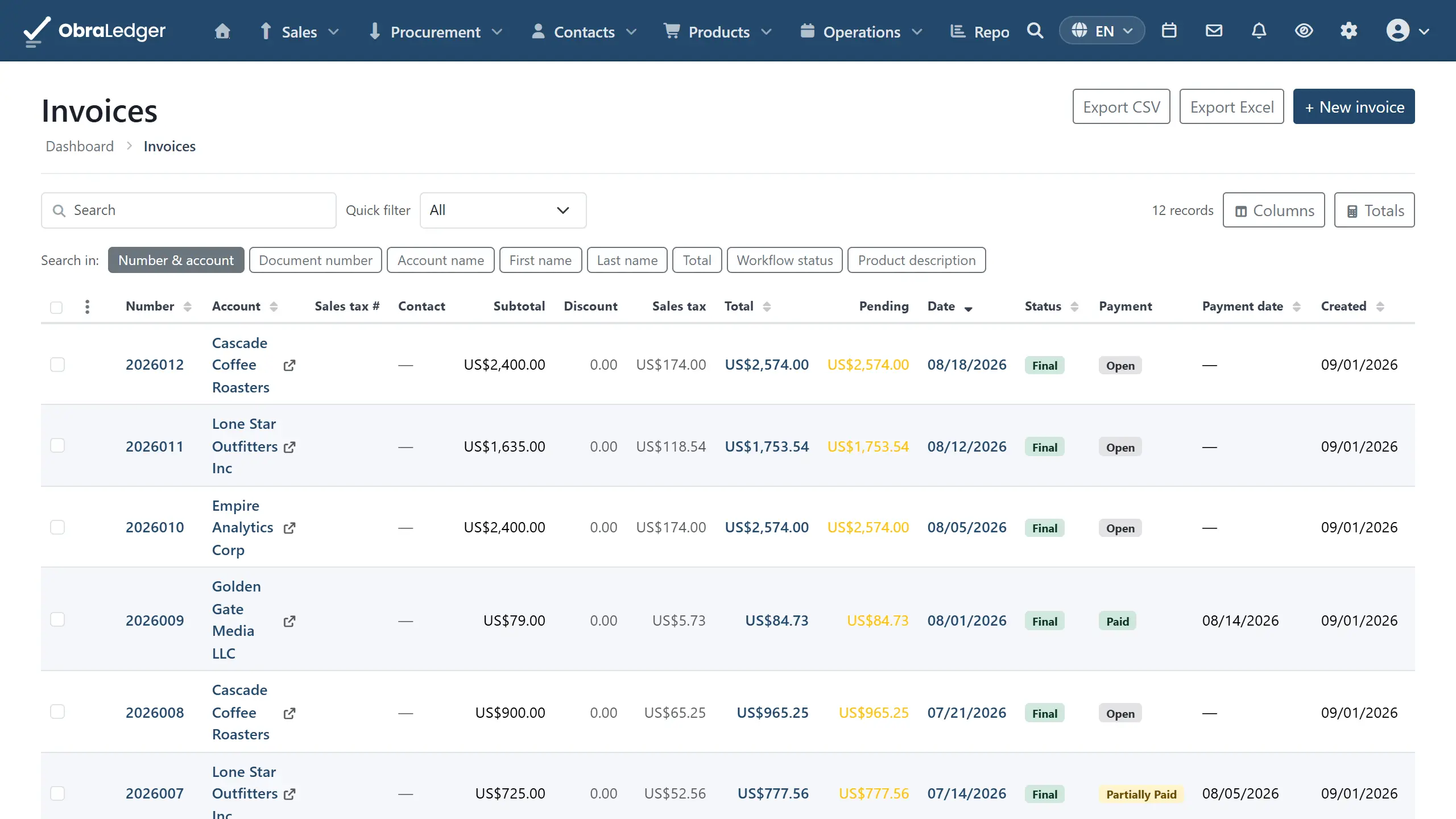
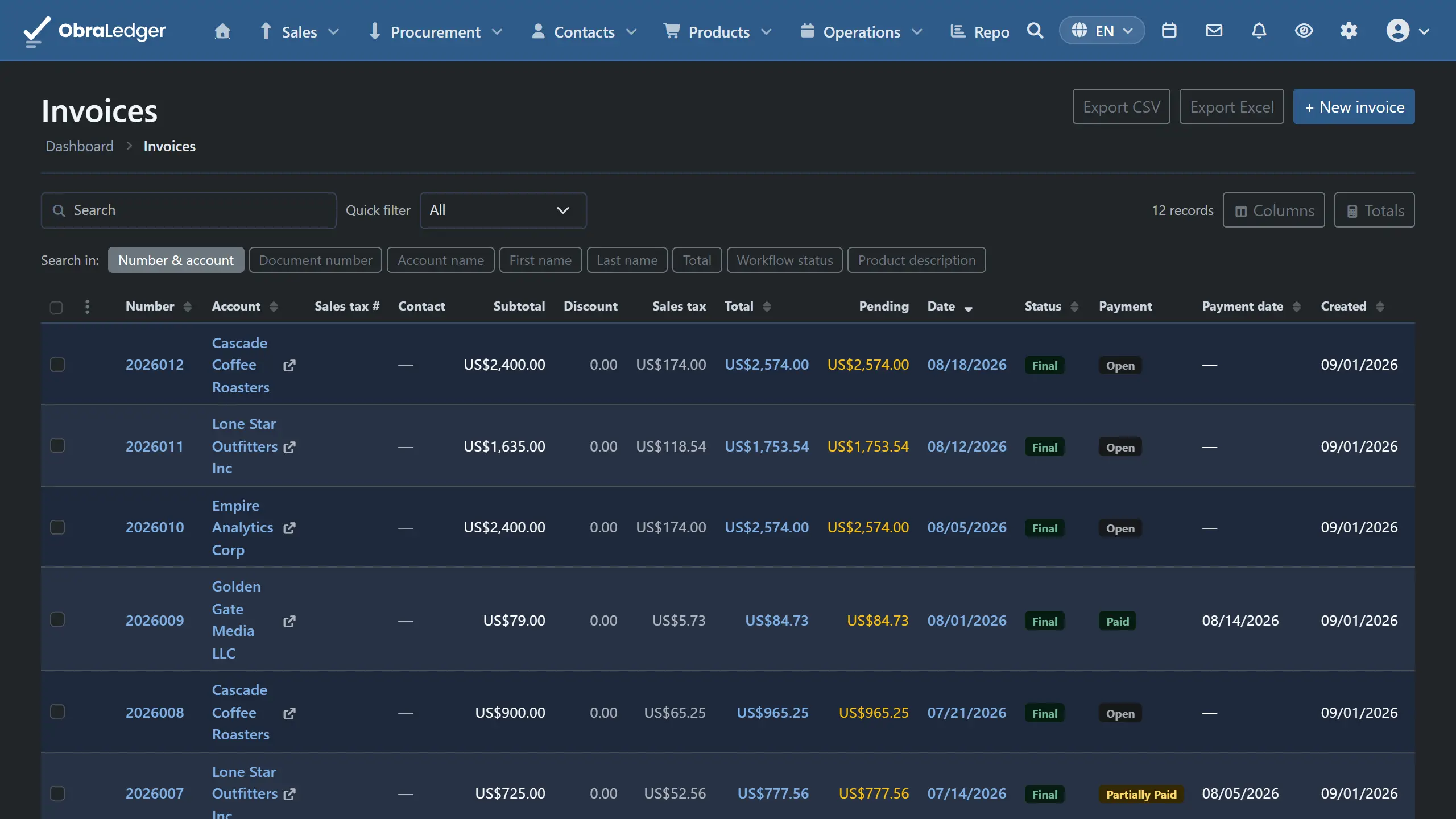
What you can do
- Raise a credit note from the invoice it corrects, with the lines already reversed
- Cover several invoices with one note, which is the usual answer to a disputed quarter
- Record the credit notes your suppliers send you on the same footing as your own
- The journal posts itself, so the customer's balance and your sales tax both move
- Apply the resulting credit against whichever open invoice you choose, whenever you choose
How it works
-
01
Start from the thing it corrects
Raise a credit note and the first thing you get is a list of that customer's invoices, not an empty form. Pick one and its lines come across already reversed. Pick several and you get one note covering them all.
-
02
If you undercharged, send another invoice
We don't offer debit notes. An adjustment invoice says what happened; a debit note says the same thing in a word your customer has to go and look up.
-
03
Finalize, and the books follow
The note gets its own number and posts its own journal, so revenue, the customer's balance and the sales tax all move back. The original invoice is untouched and still says what it said.
-
04
Use the credit when it suits
The money sits on the customer's account rather than being forced onto a document it doesn't belong on. Apply it against an open invoice later, and it draws from the oldest credit first.
Good to know - A credit note can't stand on its own. It has to name the invoice or invoices it corrects before it will finalize. A note with nothing behind it reads fine now and can't be explained in two years.
Questions
- What is the difference between a credit note and a credit memo?
- Nothing. They are two names for the same document, and credit memo is the more common one in the US. Either way it is the document that reverses part or all of an invoice you have already issued.
- Can I just edit the invoice instead?
- Not once it has been issued. You can reset a draft that is still unsent and unpaid, but a finalized invoice is locked, because a document your customer is holding shouldn't change behind their back. The credit note is what keeps your numbering sequential and your books defensible.
- Does a credit note change my sales tax figures?
- Yes. It posts its own journal, so the tax comes back out of the box it went into, and your return reflects it without you adjusting anything by hand.
Read the manual first
Our user guide is public and always has been. We wrote it to answer your question, not to sell you the answer.
Other free tools
No account, no card, and a real PDF at the end.