Add the GST. See the split.
Type an amount and the rate, and see GST added on or taken out: CGST and SGST for a sale within your state, IGST for one across states. No account, and the answer changes as you type.
No account. No card.
What you can do
- Add GST to a price, or take it out of one that already includes it
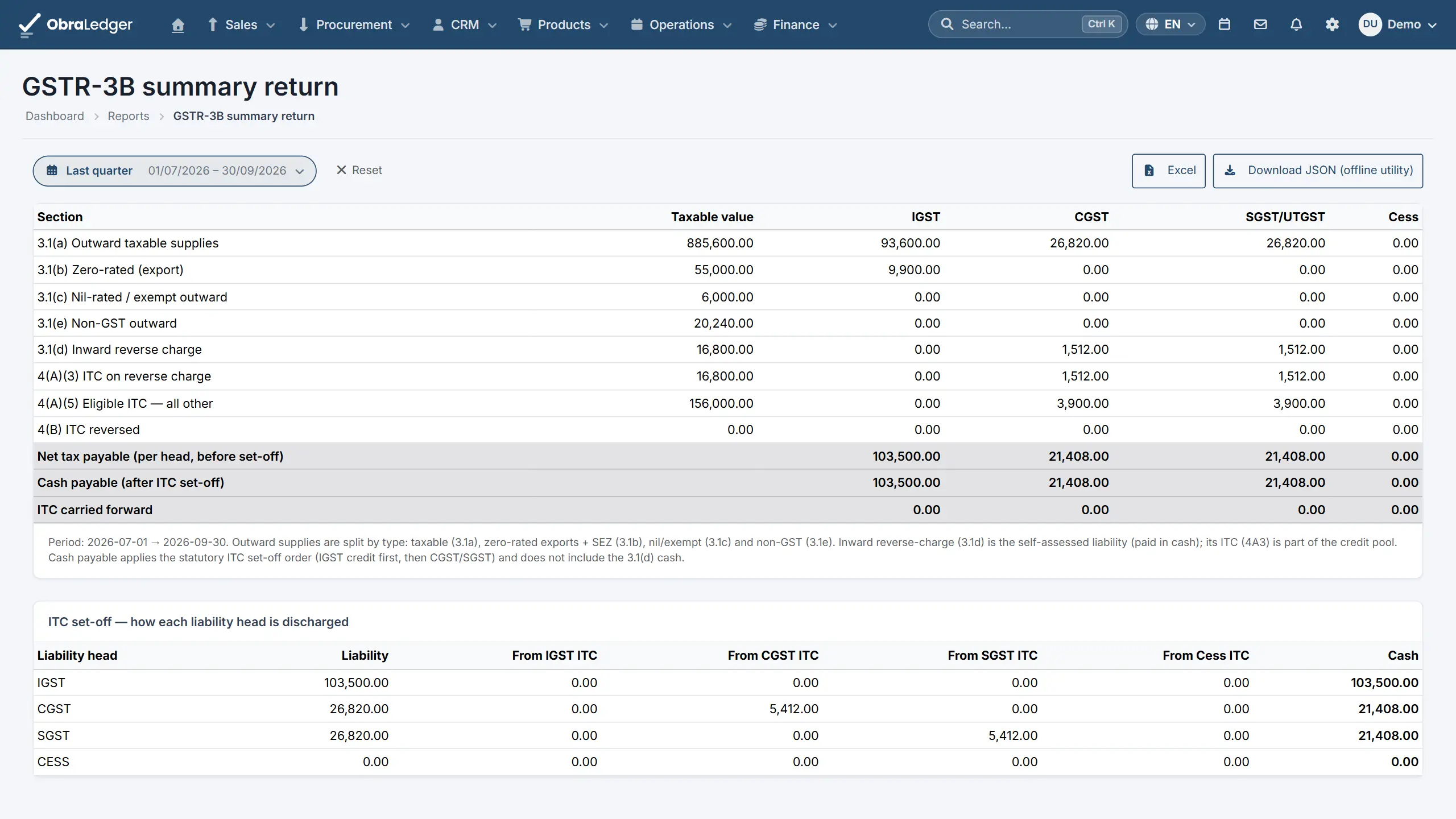
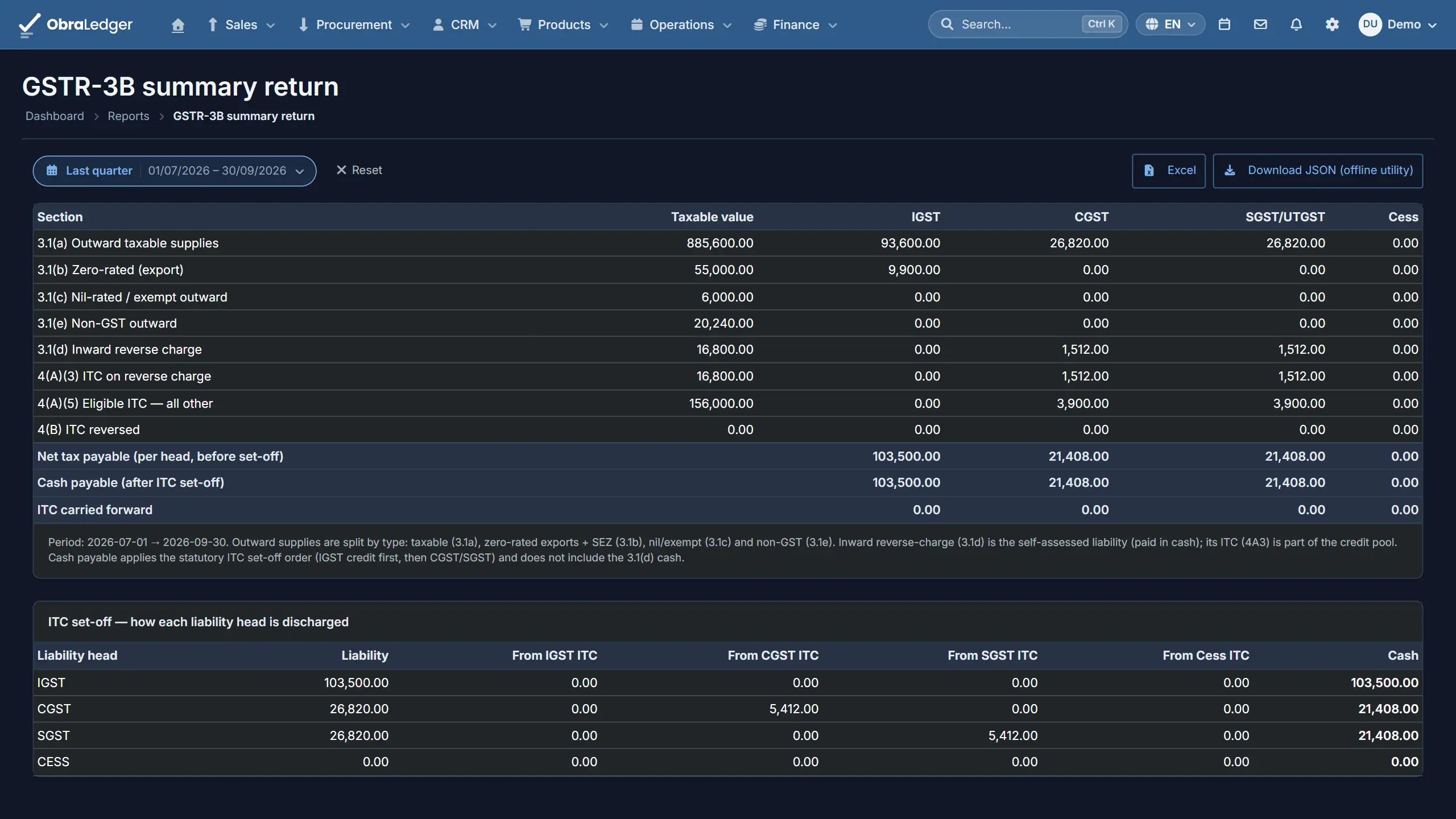
- CGST and SGST for a sale within your state, IGST for one across states
- However the tax divides, the CGST and SGST always add back up to it
- Not sure of the rate? The HSN finder looks it up and opens this calculator with it filled in
- In ObraLedger, every invoice line is split the same way as you raise it
How it works
-
01
Type the amount and the rate
Add GST to a price, or take it out of one that already includes it. Don't know the rate? The HSN finder looks it up and opens the calculator with it filled in.
-
02
Say where the buyer is
A sale within your state is split into CGST and SGST, half the rate each. A sale to another state is IGST at the full rate.
-
03
Read the split
SGST is rounded and CGST takes what's left, so the two always add back up to the tax. It's the same split an ObraLedger invoice makes on every line, and the returns read those lines.
Good to know - The calculator works from the rate you type. It doesn't decide which rate applies to what you sell - that's what the HSN finder is for, and where a code carries several rates, the choice is yours.
Quick answers
- How do I take GST out of a price?
- Choose to take it out, type the price that includes GST and the rate, and you get the amount before tax and the GST inside it, split the way an invoice would split it.
- Why is SGST sometimes a paisa more than CGST?
- Because an odd paisa can't be halved. SGST is rounded and CGST takes what's left, so the two always add back up to the tax on the line. Invoices in ObraLedger split it the same way.
- Is it free?
- Yes, and there's no account to make. If you want the invoices and the returns as well, there's a free plan with 5 documents a month and no card to start.
Read the manual first
Our user guide is public, so you can read how this works before you sign up.
Other free tools
No account, no card, and a real PDF at the end.
Your whole business. Live this afternoon.
Swap the invoicing app, the stock spreadsheet and the month-end reconciling for one login.