Send the invoice. The books are done.
Quotes, invoices and credit notes in one place. Finalize one and the journal's already posted, your customer's balance has already moved, and the sales tax is already in the right box on your return.
Free plan. No card.
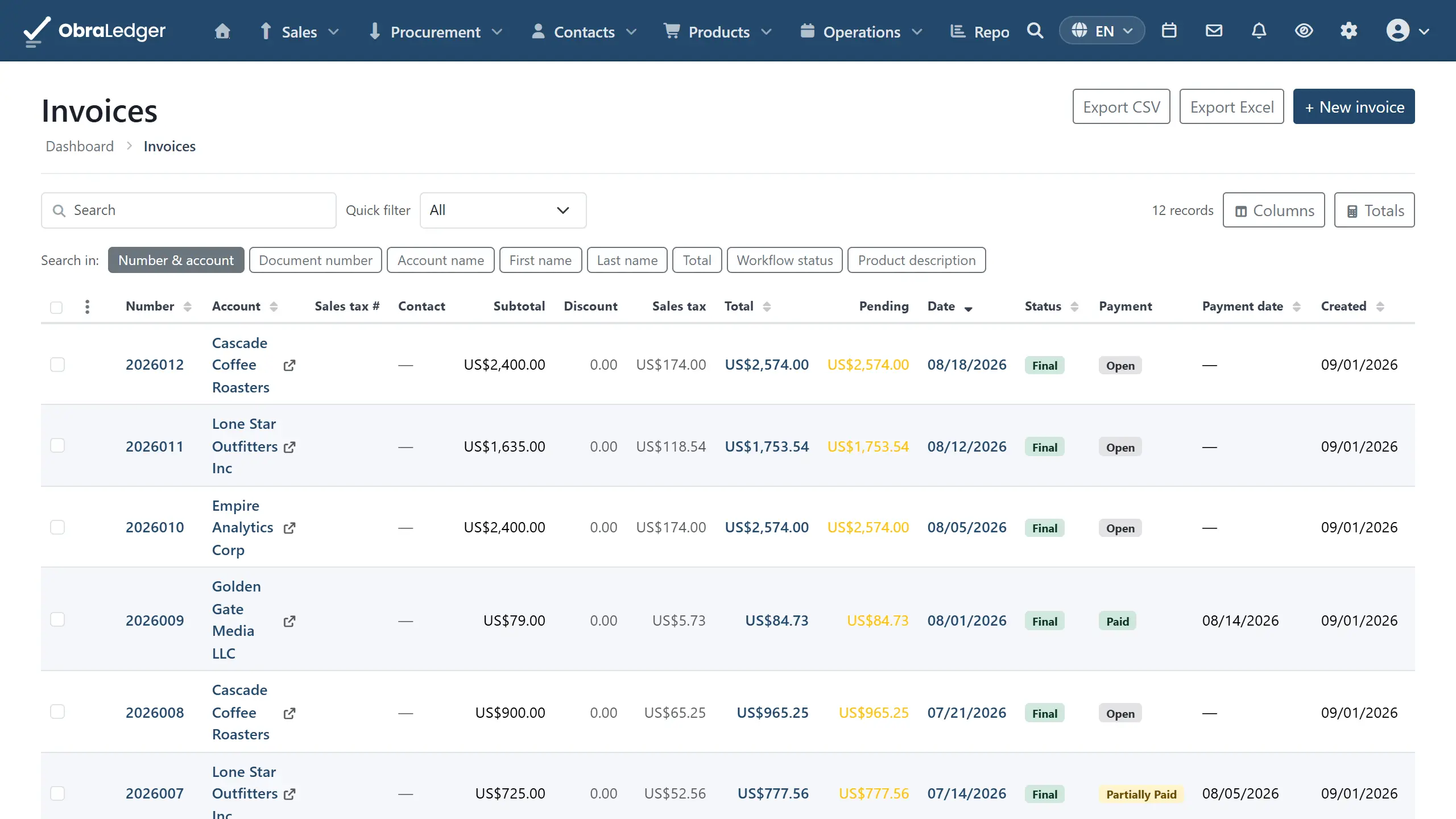
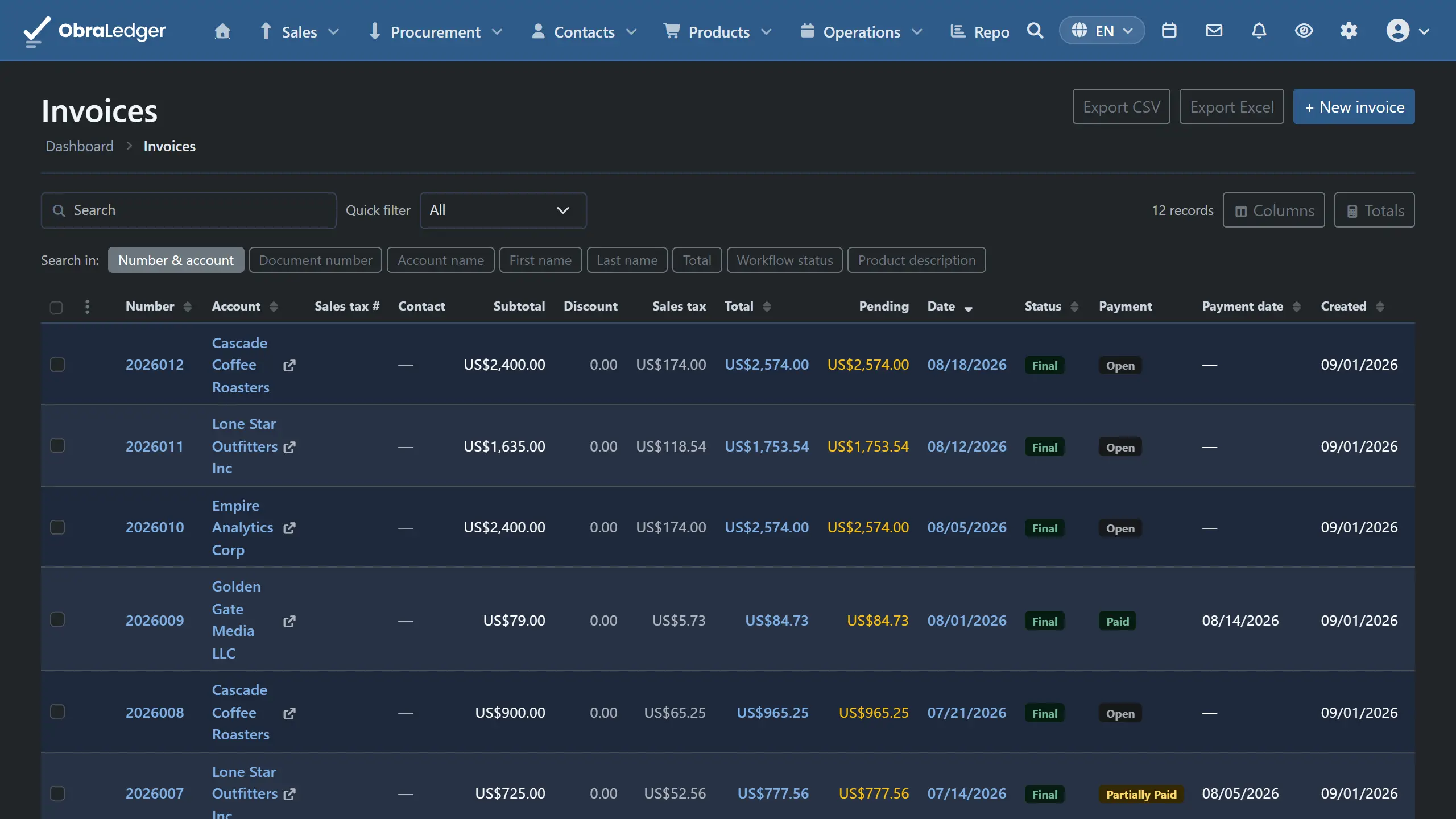
What you can do
- Raise a quote and turn the accepted one into an invoice without retyping a line
- Send as a PDF or an e-invoice, in your own layout and your customer's language
- Correct a mistake with a credit note, so the original document stays intact
- Set up recurring invoices that raise and send themselves on your schedule
- Chase late payers with reminders on a schedule you set, sent on their own or held for your OK
- Finalize a month of drafts in one go, then download or email the lot
How it works
-
01
Pick the customer, and the lines fill in
Prices come from your catalog with that customer's price list, currency and language already applied. Totals move as you type, tax and discounts included.
-
02
Finalize, and the accounting is written
The document gets a permanent number and locks, and the journal posts. Revenue, receivables and sales tax all land where they belong. You never open the accounting screen to make that happen.
-
03
The payment settles it
Money is applied against the documents it pays, so what's been paid is worked out rather than ticked. One payment can cover several invoices, and anything you haven't applied stays visible.
Good to know - Finalizing only goes one way. You can reset a draft while it is still unsent and unpaid, but once an invoice has genuinely been issued the right fix is a credit note. That is what keeps your numbering sequential and your books defensible.
Questions
- Is there a free invoicing plan?
- Yes. There's a free plan with 5 documents a month and no card to start with, and everything you make during the trial stays yours and stays readable afterwards. Real double-entry bookkeeping is on every plan, including that one.
- Can I use my own invoice layout?
- Yes. You design the document and the email template it goes out under, so what lands in your customer's inbox has your name on it rather than ours.
- Does an invoice post to my accounts on its own?
- Yes, and that's the point of the whole thing. Finalizing writes the double-entry journal: revenue, the customer's balance and the sales tax all move at once. There is no export step and no second set of figures to reconcile.
- Can I invoice in another currency?
- Yes. A customer's currency, price list and language come across when you pick them, so the invoice goes out on the terms you agreed rather than the ones you have to remember.
Read the manual first
Our user guide is public and always has been. We wrote it to answer your question, not to sell you the answer.
Other free tools
No account, no card, and a real PDF at the end.