Quote today. Invoice the same lines.
Make your quote and download the PDF, with no account and no card. Your customer accepts the quote from the email it arrived in. A quote they have already accepted shouldn't need typing a second time either, so convert it and the lines, addresses and terms come across with it.
No account. No card.
What you can do
- Build a quote from your product catalog, with that customer's price list applied
- Send it as a PDF in your own layout, under your own email template
- Let the customer approve it from the email, with no account to create and a signature if they want one
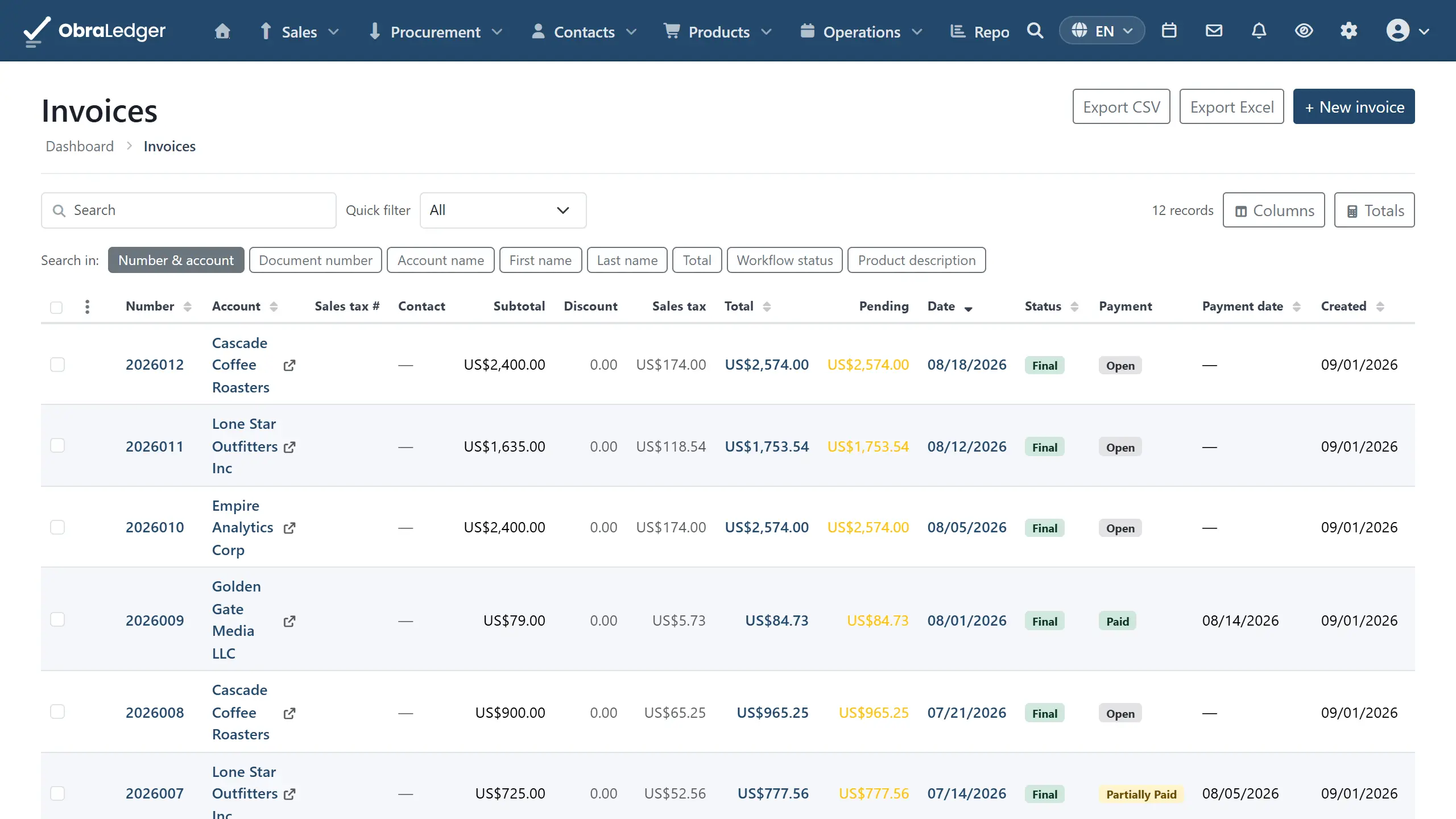
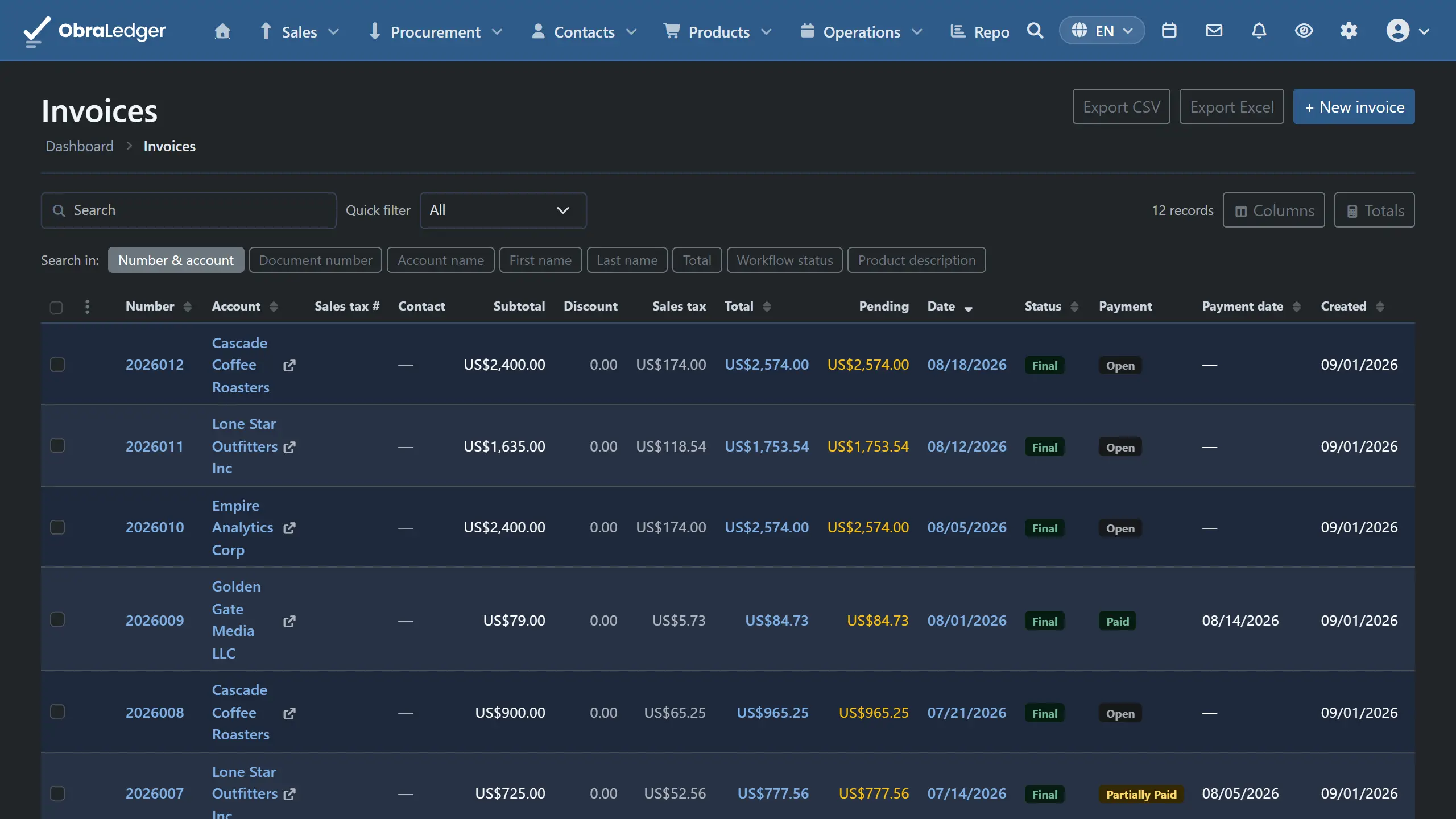
- Turn an accepted quote into an order confirmation, a packing note or an invoice in one step
- Convert between document types when somebody changes their mind halfway through
- Add deposits, discounts and shipping, with the tax worked out for each
- See when a quote was sent, opened and acted on
How it works
-
01
Price it from what you sell
Pick the customer and the lines come from your catalog at their agreed prices, in their currency and language. Totals, discounts and tax keep up as you change things.
-
02
Send it, and let them say yes
It goes out as a PDF under your own layout, and the document records when it was sent and opened. Ask for approval and the email carries a link the customer opens without an account: they agree with their name, add a signature if they want one, and the quote comes back marked Agreed.
-
03
Convert rather than re-enter
An accepted quote becomes an order confirmation, a packing note or an invoice in a single step, carrying its lines, addresses and terms. Finalize the invoice and the accounting is done with it.
Good to know - Part payments and deposits are two different things, and the difference is tax. Money a customer has already paid reduces what is still due and leaves the tax alone. A refundable deposit, the rental-bond kind you hand back, adds to what they pay now and is also untaxed. They look interchangeable in the totals and they are not.
Questions
- How does a customer accept a quote?
- By opening the link in the email you sent - no account, no sign-up, and the page is in the language the quote went out in. Their name and signature end up on the PDF, you get an email of your own when they agree if you asked for one, and anybody who wants to say no replies to the email instead.
- Can I turn a quote into an invoice?
- Yes, in one step, and the lines, addresses and terms come with it. The same works the other way and between the other document types, for when somebody changes their mind partway through.
- What if a customer only accepts part of the quote?
- Convert it and edit the draft before you finalize. Everything is editable up to that point, which is what a draft is for.
- Can I send quotes on the free plan?
- You can build and finalize them, download the PDF and send it to your own address to see what your customer would get. Emailing customers directly needs a paid plan, and asking one to approve a quote is no different, since that is an email to a customer too.
Read the manual first
Our user guide is public and always has been. We wrote it to answer your question, not to sell you the answer.
Other free tools
No account, no card, and a real PDF at the end.