Once stock lives in more than one place, “how many do we have?” stops having a single answer, and the spreadsheet that used to cope starts costing you sales.
This gives every location its own running total, keeps them adding up to the number on the product, and posts the accounting when stock moves in ways that change what it’s worth.
What you can do
- Define as many warehouses as you have locations, with one as the default.
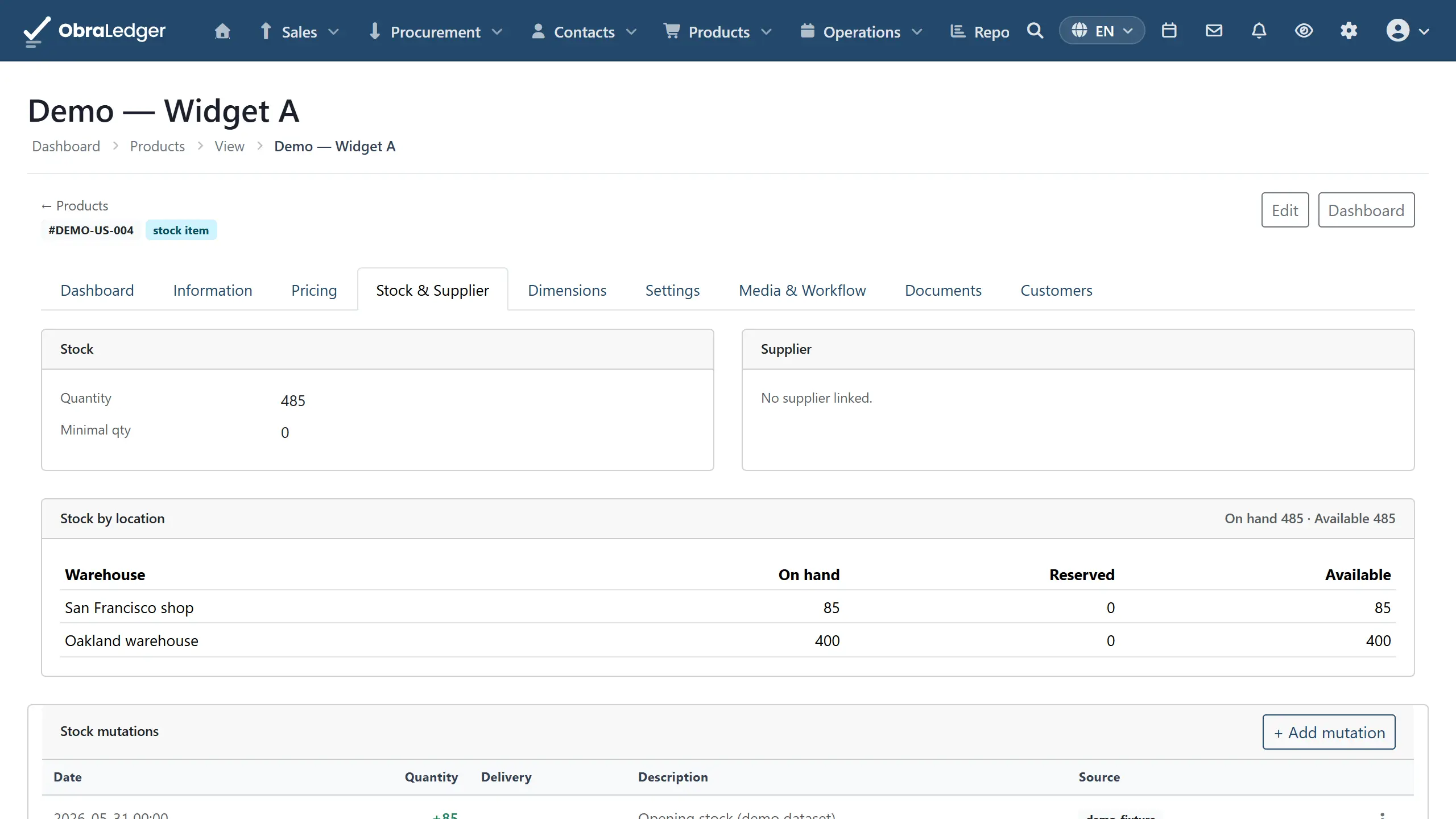
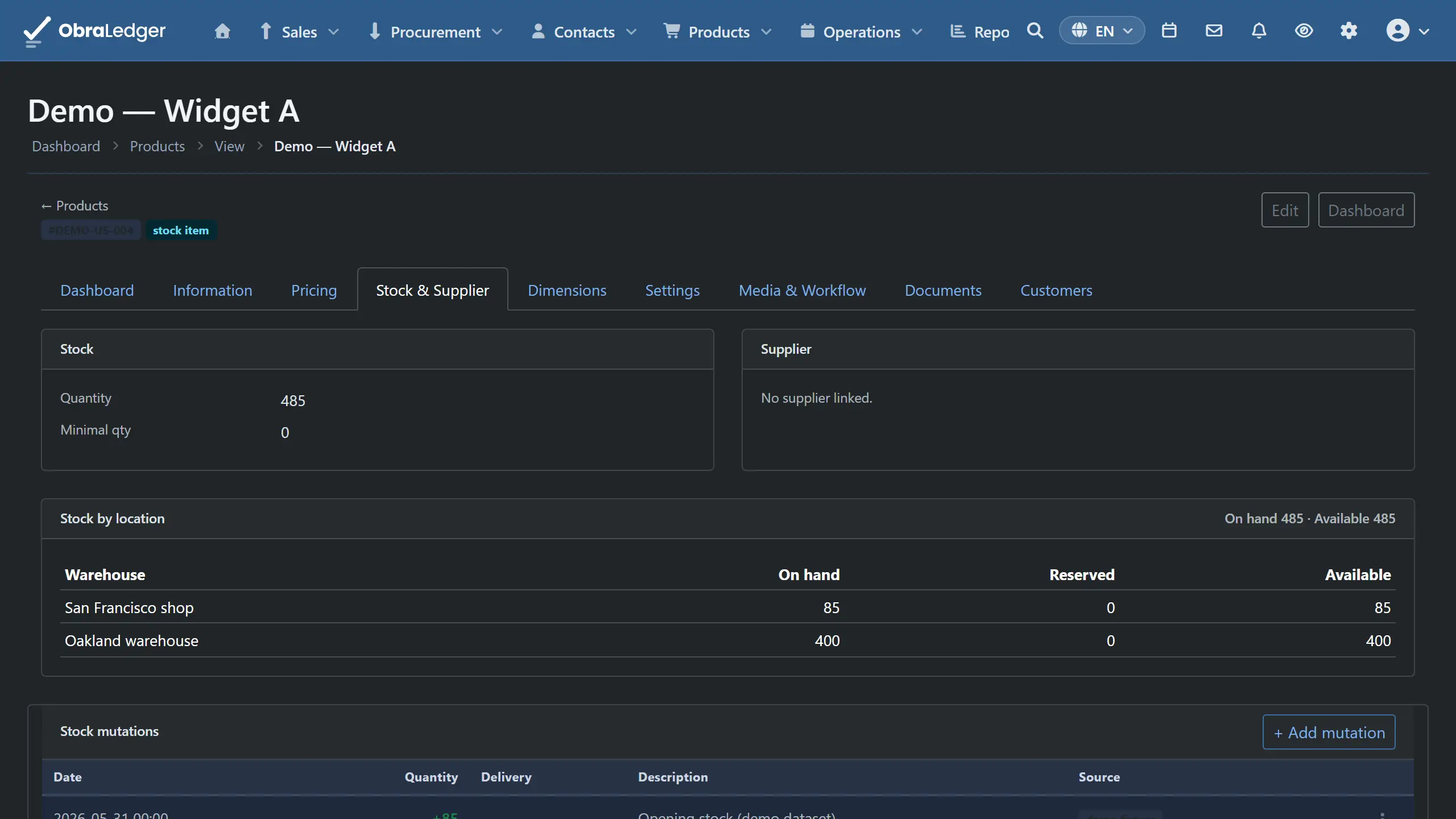
- See on hand, reserved and available per location on any product.
- Transfer stock between warehouses as a two-step send and receive, so goods in transit aren’t counted as arrived.
- Run stock counts over a whole warehouse or a slice of it, with variances calculated as you enter.
- Have adjustments posted to your accounts automatically when a count finds a difference.
- Keep a complete movement history: what moved, when, why, and which document caused it.
- See what your stock is worth, per product and warehouse, at average cost.
How it works in practice
Set up your locations (Inventory → Warehouses). Most businesses start with one, called something like MAIN, and add more when they open a second site or split trade stock from consignment stock. One is marked default, and that’s where stock movements land when a document doesn’t say otherwise.
Watch stock look after itself. Selling posts stock out, purchasing posts it in, and the running totals follow. You don’t tell the system about routine movement, because it comes from the documents you were raising anyway.
Move stock between sites in two steps (Inventory → Transfers). Build the transfer with its lines, then Send - stock leaves the source immediately - and Receive when it arrives. In between it’s in transit and belongs to neither location, which is the truthful answer and the one that stops you promising the same goods twice. A transfer is an internal move, so nothing touches your profit and loss, because nothing has been bought or sold.
Count without closing (Inventory → Stock Counts). Opening a count freezes what the system believes is there, so people can keep working while you count. Enter the real quantities and the variance shows next to each line as you go. Post the count and each difference is applied to stock and written to your accounts as an inventory adjustment, so shrinkage shows up in your numbers instead of quietly disappearing.
A count doesn’t have to be done in one sitting. Save for later keeps a half-finished worksheet, and a product you leave blank is left alone rather than counted as zero, which matters when you get through half a warehouse before the delivery arrives.
Trace anything. Every product has its movement history: what changed the quantity, when, and which document or count was responsible.
Know what it’s worth (Reports → Stock, Balance tab). Stock is valued at moving average. What you buy comes in at what it cost and the average per unit is recalculated; everything going out - a sale, a count shortfall, materials used in production - leaves at that average. Adding stock by hand takes an optional unit cost, which is what to use for opening stock.
Good to know
- You’ll need the Inventory extension switched on (Settings → Extensions). Without it, stock behaves as a single bucket, which is the right setup for a business with one storeroom and no reason to complicate things.
- A transfer never touches your profit and loss. Moving your own goods between your own sites isn’t a transaction, and treating it as one is a classic way to overstate turnover.
- Adjustment postings need ledger accounts and a cost price on the product. Where those are missing the stock still moves and the accounting entry is skipped rather than guessed at, so check it before your first count rather than after.
- Values before October 2026 are approximate. Stock already on hand was opened at quantity times the product’s purchase price, and older movements can’t be re-valued.
- Without Procure-to-Pay, purchases don’t reach the stock account. A purchase invoice still values the stock it brings in, but posts to the line’s cost account, so the stock account won’t match the stock value. With goods receipts on, it does.
- Per-line warehouse selection on documents isn’t available. Documents draw from the default warehouse, so if you need to ship a single order from two sites, that’s a transfer first.