Make an invoice. Keep the books.
Make your invoice and download the PDF, with no account and no card. The totals and sales tax work themselves out as you type.
No account. No card.
What you can do
- Pick a customer and the lines fill in from your product catalog
- Totals, sales tax and discounts work themselves out as you type
- Your own layout, rather than a template with somebody else's name in the corner
- Download the PDF, or send it under an email template you designed
- Numbering that runs in sequence, because numbers are issued rather than typed
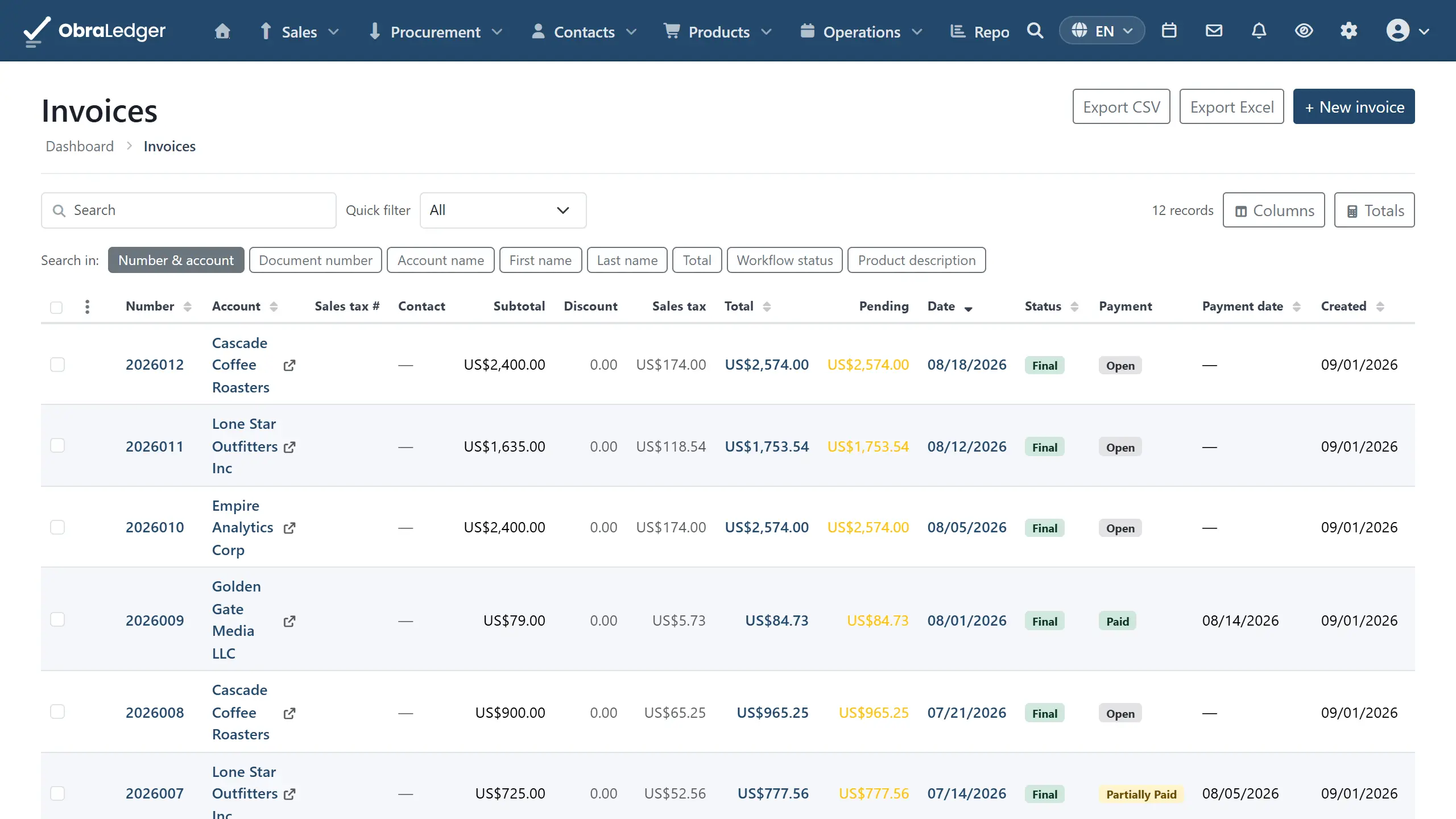
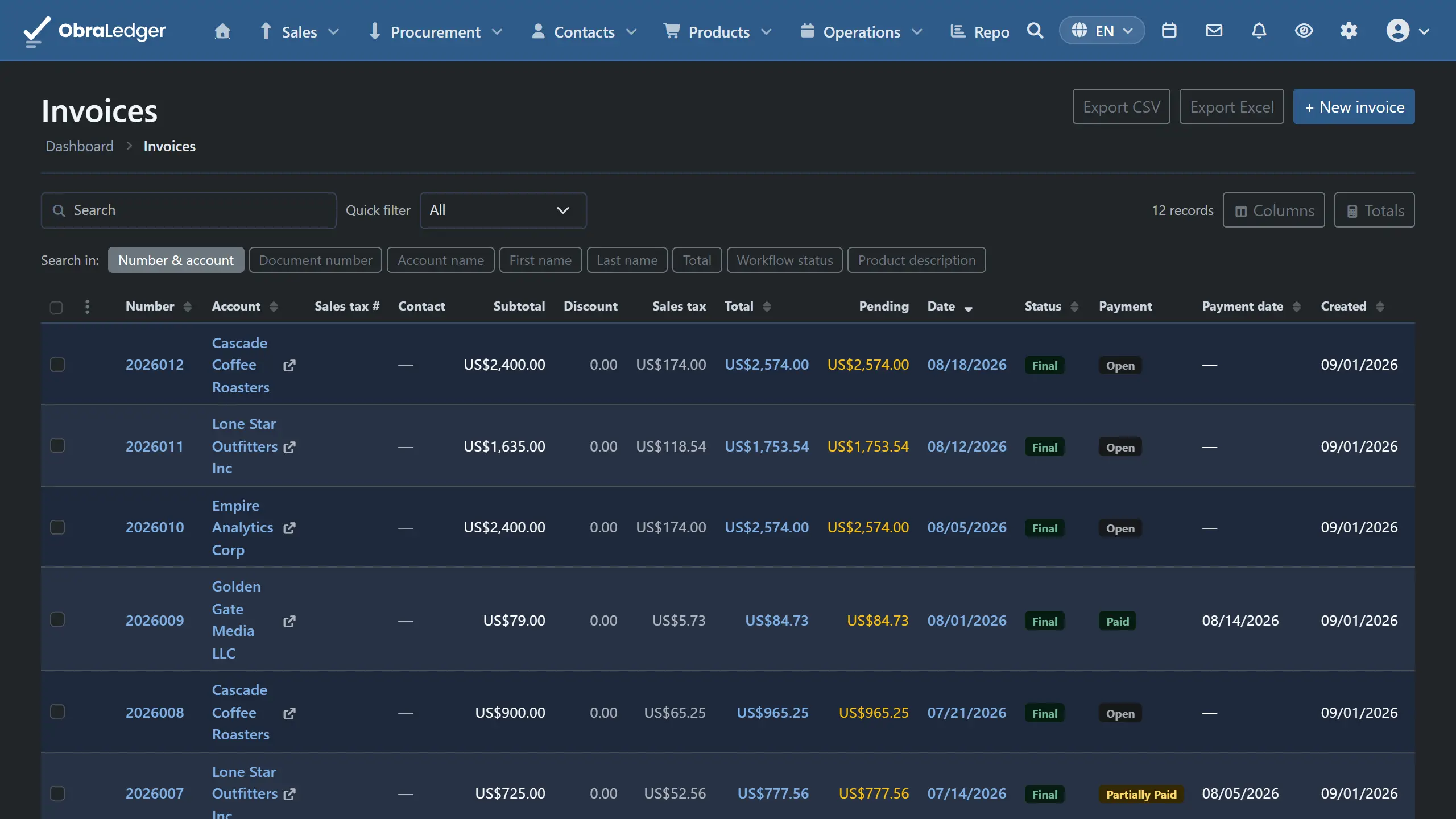
- A history on every document of when it was sent, opened, paid or reminded
How it works
-
01
Start from the customer, not a blank form
Their price list, currency and language come with them, and the product lines carry their own prices and tax rates. Add a deposit, a discount or shipping and the totals keep up.
-
02
It's still here next month
With an account, your customer, price list and numbering carry over, so the next invoice starts from what you did last time instead of an empty form.
-
03
Get the file, or send it
Download the PDF, or email it under a template with your name in the corner rather than ours. Either way the document keeps its own record of when it was sent, opened and paid.
Good to know - Emailing a customer needs a paid plan. On the free plan you can finalize, print, download, and send to your own registered address, which is how you check what your customer is going to get.
Questions
- Do I need an account to make an invoice?
- No. The free generator makes the PDF and we keep nothing. An account is what makes the NEXT one quick: your customer, your numbering and the bookkeeping entry behind it are still there next month, instead of an empty form every time.
- Is it actually free?
- There's a free plan with 5 documents a month, no card to start, and no expiry on it. What you make during the trial stays readable when the trial ends rather than locking behind a paywall.
- Can I download the invoice as a PDF?
- Yes, one at a time or a whole selection as a folder of PDFs. The layout is yours, so the PDF looks like your business rather than ours.
Read the manual first
Our user guide is public and always has been. We wrote it to answer your question, not to sell you the answer.
Other free tools
No account, no card, and a real PDF at the end.