Track the hours. Bill the hours.
If you sell time, the money leaks in the gap between the work happening and the invoice going out. This keeps the budget, the hours, the approval and the invoice on one thread.
Free plan. No card.
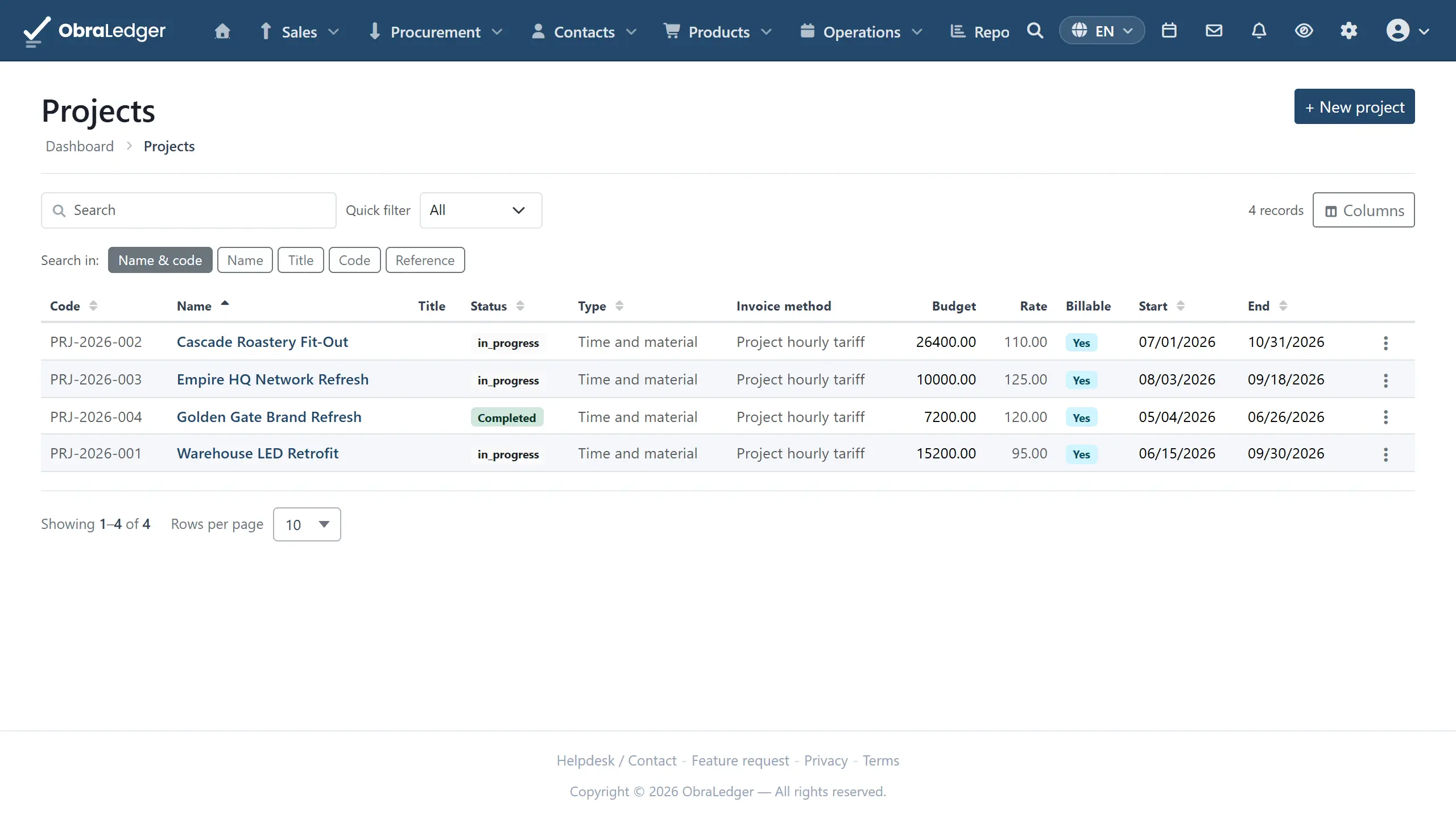
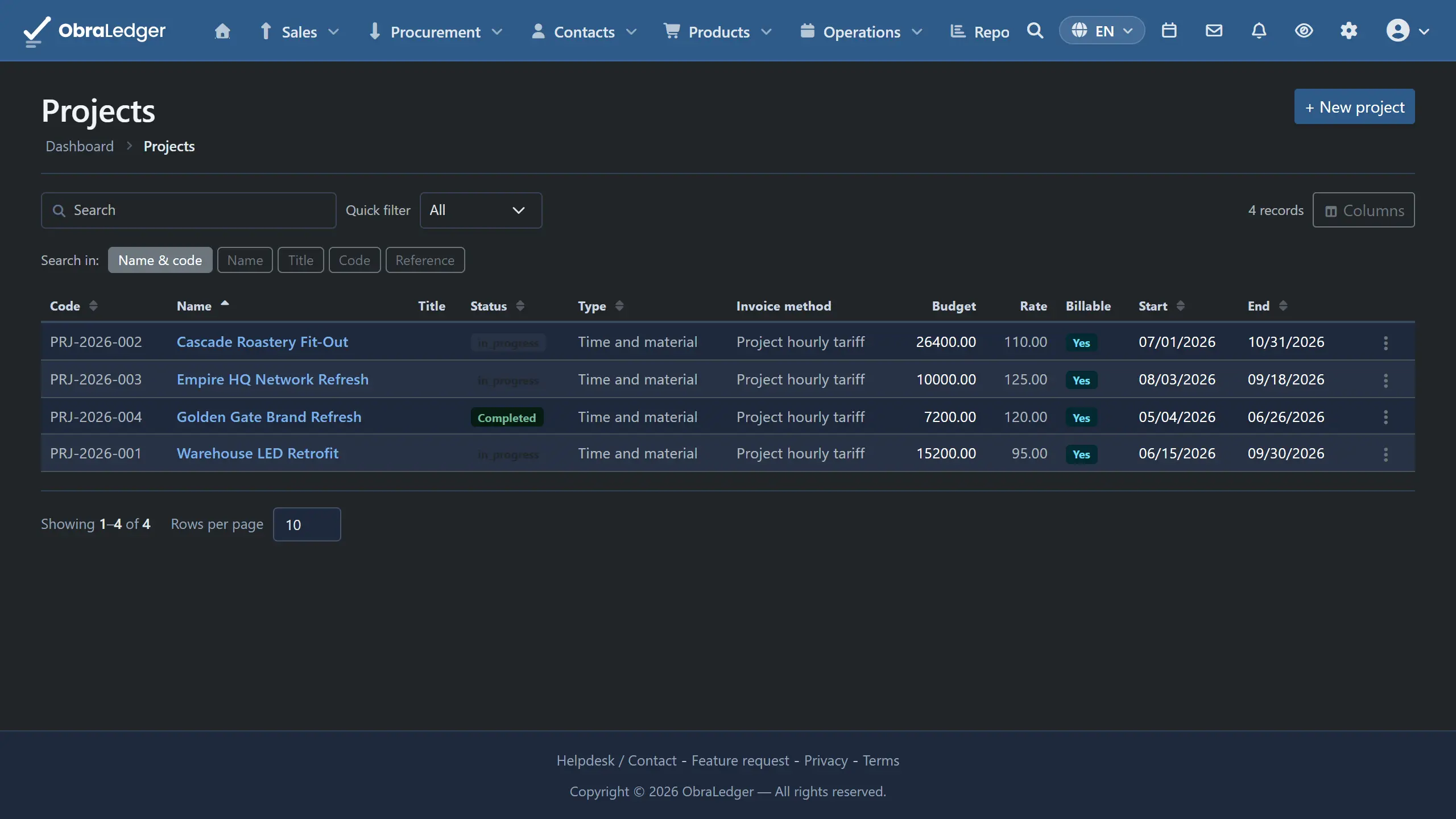
What you can do
- Day, week and month views, or a timer you start and forget about
- A phone-sized day view for the people who never open a laptop
- Copy last week rather than re-entering a schedule that barely changes
- Budgets in hours or money, on the project, on each task or on each person
- A warning before the budget is gone, at a percentage you choose
- Timesheets sent to the customer to sign off, then invoiced as approved hours
- Worklogs pulled in from Jira where the time is already tracked there
How it works
-
01
Decide how the work is sold
Time and materials, a fixed fee, or non-billable. That choice decides whether hours are billable by default and how they group when you come to invoice them, so it matters more than it looks.
-
02
Log time the way people actually work
The week view is a grid you edit in place. The day view has a start and stop timer. The month view is for whoever fills it all in on the last Friday. Type 2:45 or 165 and both mean the same thing.
-
03
Approved hours become the invoice
Send the timesheet to the person paying, have them sign it off, and invoice what they approved, grouped the way that customer expects to see it. Nobody retypes anything, and nobody argues about a day six weeks later.
Good to know - Projects and timesheets need the Operations extension switched on, under Settings → Extensions. Rates can sit on a person, a task or a project, and the most specific one wins.
Questions
- Can my customer approve timesheets?
- Yes. You send the timesheet to the contact who pays for the work and they sign it off, which is the version of events that stops a dispute six weeks after the person who did the work has forgotten the day.
- Can I invoice approved hours directly?
- Yes, grouped the way that customer expects to see them, and the invoice posts to your accounts like any other. The hours are not re-entered anywhere along the way.
- Can I track time against a budget?
- Yes, in hours or in money, and on the whole project, on each task or on each person. Pick the point where it should warn you and you hear about it before the budget is gone rather than afterwards. You choose whether the team sees the budget they are working against.
Read the manual first
Our user guide is public and always has been. We wrote it to answer your question, not to sell you the answer.
Other free tools
No account, no card, and a real PDF at the end.